143
Bluetooth
pairing and connecTing The head uniT and a
blueTooTh phone
To use the Bluetooth feature, make sure the Bluetooth on your phone is turned on.
Refer to your phone’s user guide.
when no phones haVe been paired
1. Press [
W
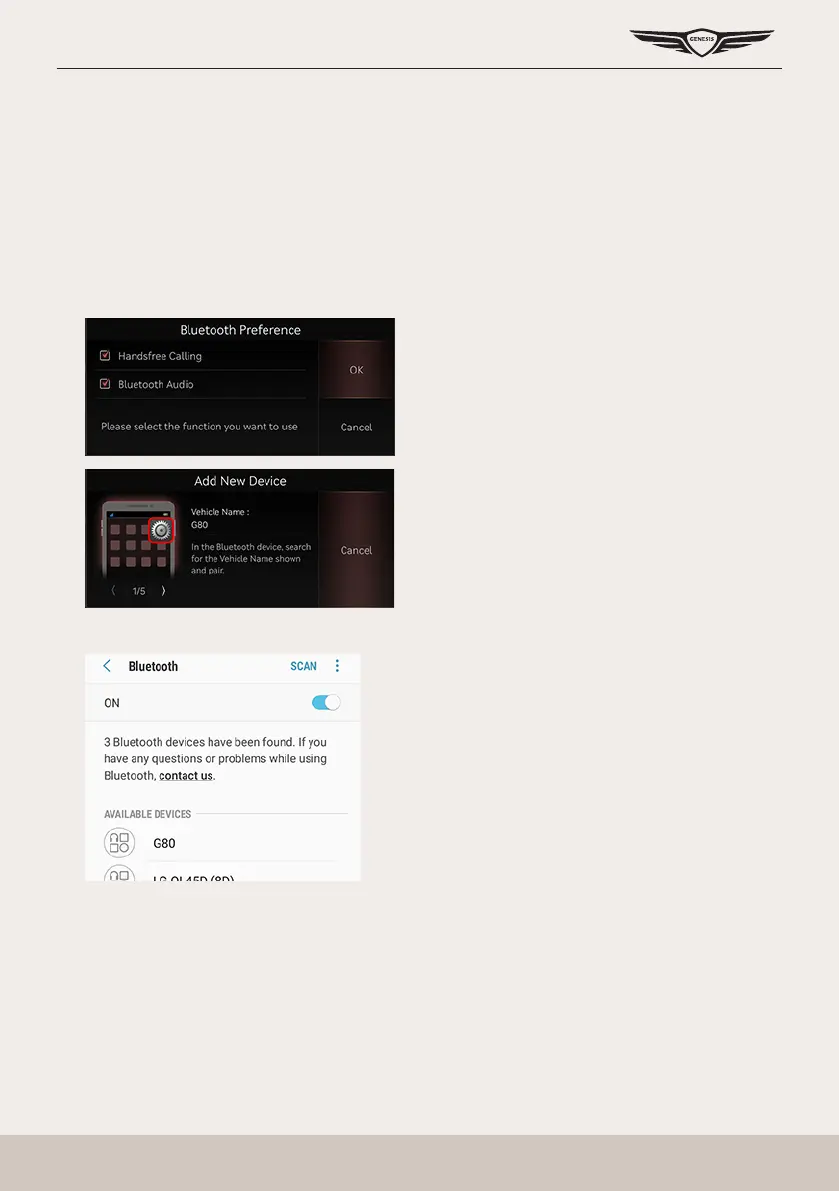
] button on the steering wheel remote control or [Phone] on the home screen and
select the function you want to use.
2. Search and select the vehicle name on Bluetooth device registration waiting screen.
<Example of Bluetooth device screen>



 To Next Page