80
Trafc
trafC
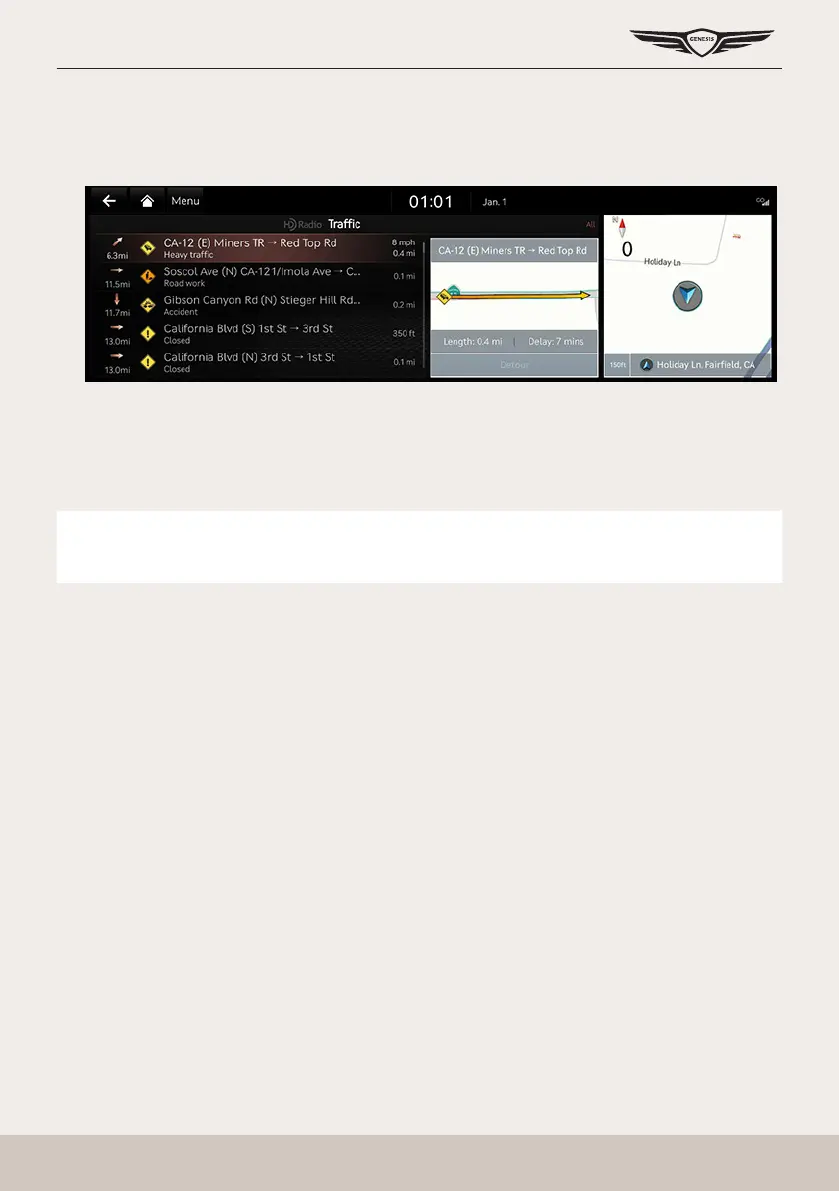
The current trafc/road event information is basically displayed on the trafc information list.
1. Press [HD Radio Data] > [Trafc] on the home screen.
䠐 [On Route]: Displays the trafc information on route when the route is set.
2. If you want to check the various trafc information, Press [Menu] > [Category] to search for
category. (Accidents, Road Construction, etc)
3. Press the trafc list to display the detailed information.
,
noTe
This feature may not be reected depending on condition.



 To Next Page