67
Genesis Connected Services
calendar
This feature is available after starting on the engine.
Through the Genesis connected smartphone App, it proceeds with calendar sync on that
customer uses rst.
(This will sync the smartphone's default calendar with vehicle.)
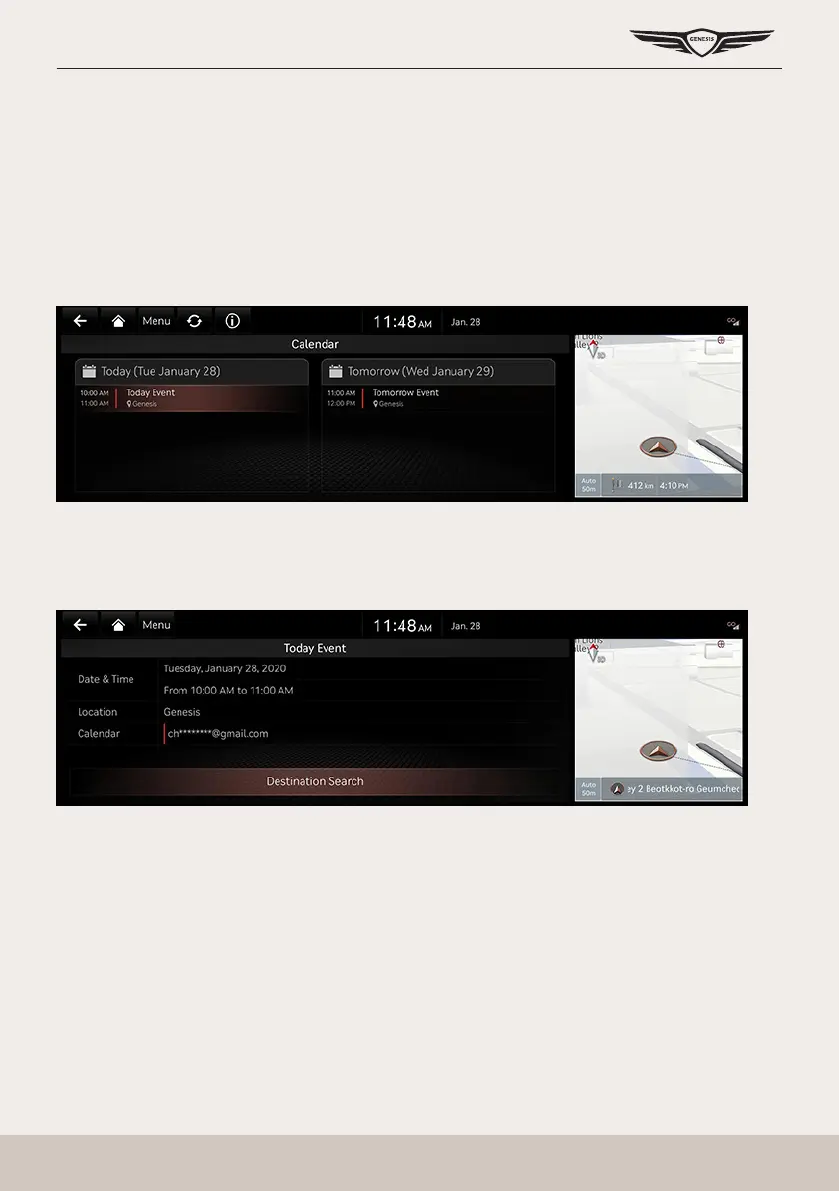
In the car, a user can check the schedule of the linked calendar, search for the destination
included in the schedule, and set it as the destination.
Press [Connected Services] > [Calendar] on the home screen.
searching desTinaTion
If there is place information in the schedule details screen, the place information is searched
by navigation when the user selects the search destination button.



 To Next Page