41
Activating Navigation
adding/ediTing/deleTing mY places
Adding a interested location enables convenient setting of destinations and editing/deleting
registered my places.
adding mY places
Saves frequently visited my places.
1. Press [Menu] > [Destination] > [Address Book] on the map screen.
2. Press [My places] on address book screen.
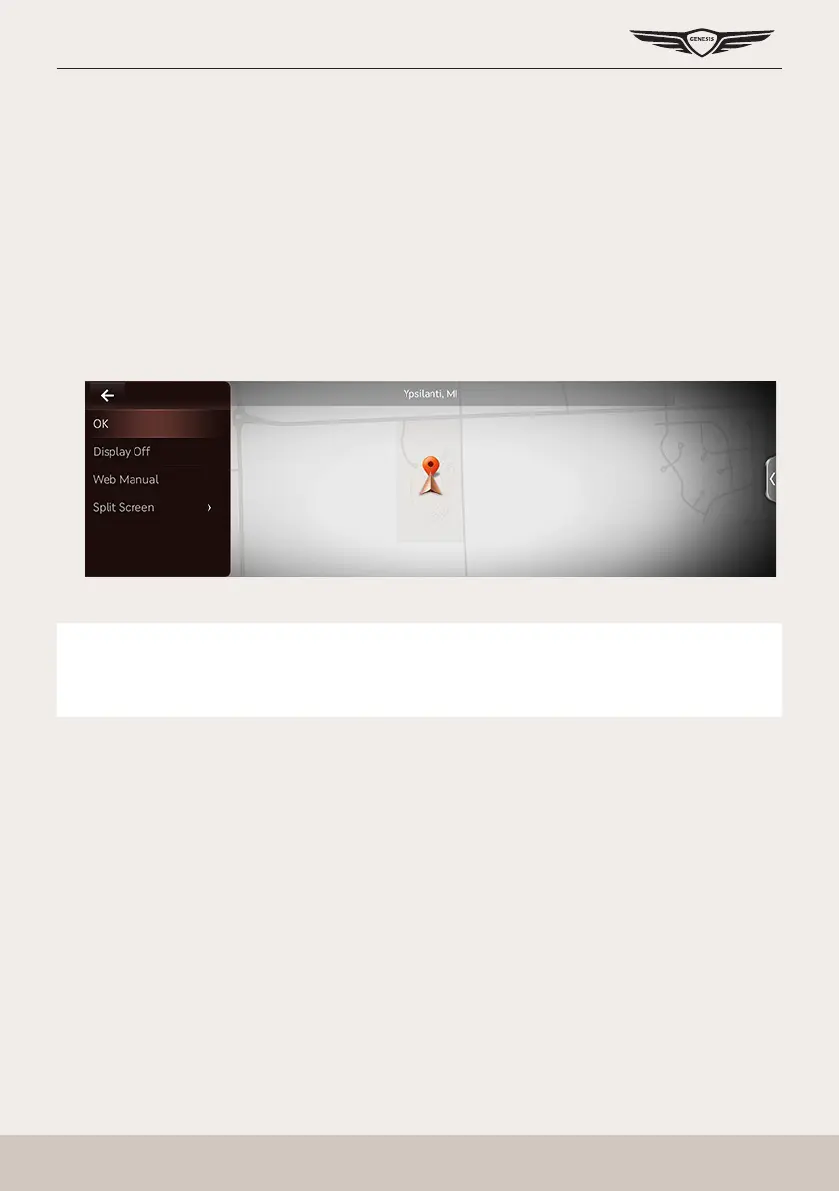
3. Press [Menu] > [Add].
4. Set a desired location by using search menu.
5. When setting is completed, press [OK].
,
noTe
Reference "Setting Destinations by Address Book" to set a registered location as a
destination.



 To Next Page