263
Surround View Monitor (SVM) - Option
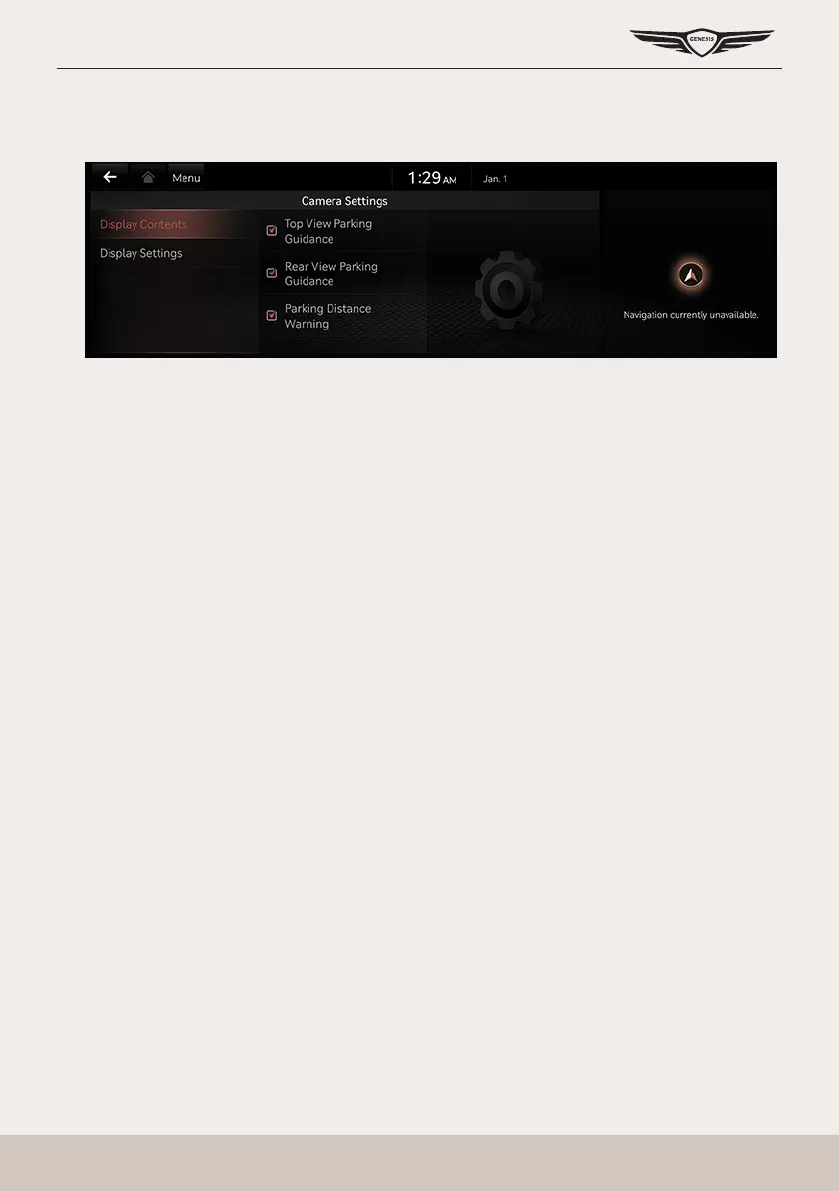
camera seTTings
1. If you press [
a
], it moves to the camera settings screens.
2. Press the desired item.
䠐 [Display Contents]: Sets top view parking guidance, rear view parking guidance and
parking distance warning.
䠐 [Display Settings]: Sets the camera screen of front and rear.



 To Next Page