45
Activating Navigation
managing address booK
imporTing address booK from usb memorY
This feature is used to import address book saved in a USB memory.
1. Connect a USB memory to the USB port.
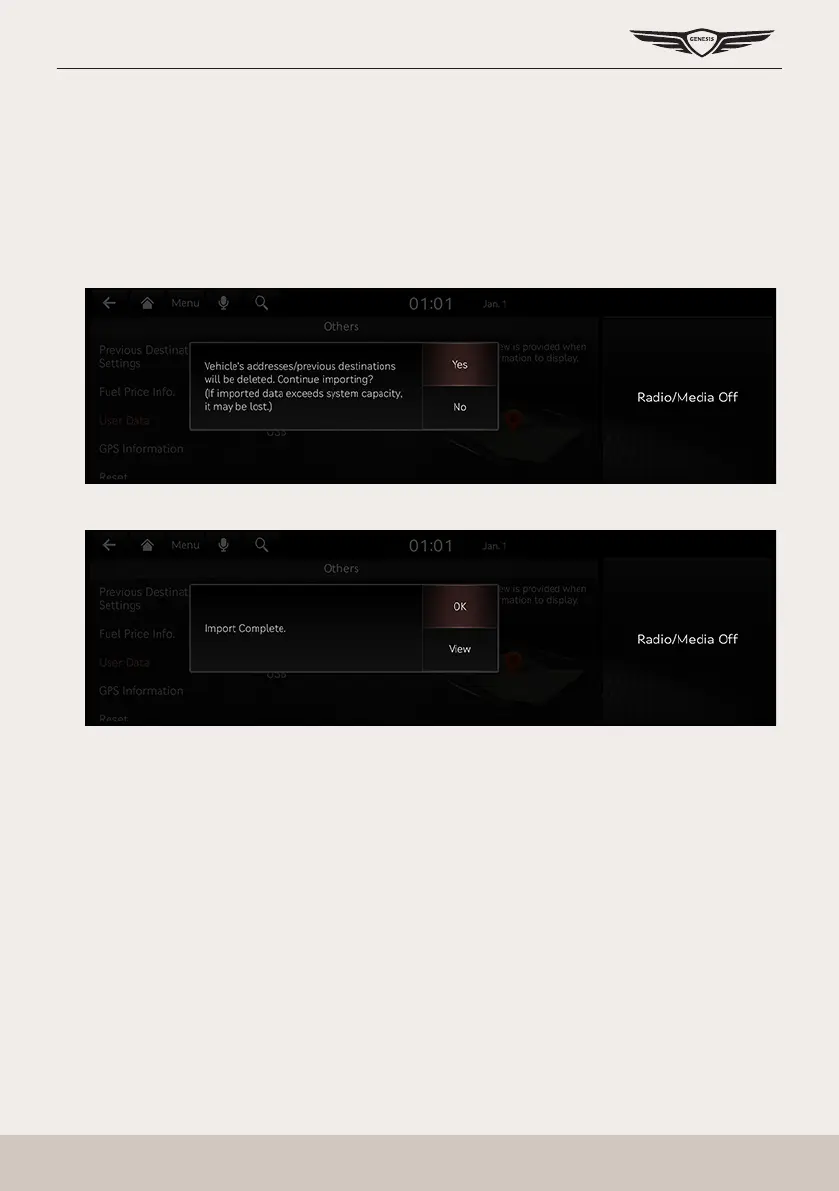
2. Press [Setup] > [Navigation] > [Others] > [User Data] > [Import Address Book/Previous
Destinations from USB Device] on the home screen.
3. Press [Yes].
4. Press [OK]. Press [View] to check the imported registered location.



 To Next Page