46
Activating Navigation
exporTing address booK To usb memorY
This feature is used to export address book to a USB memory.
1. Connect a USB memory to the USB port.
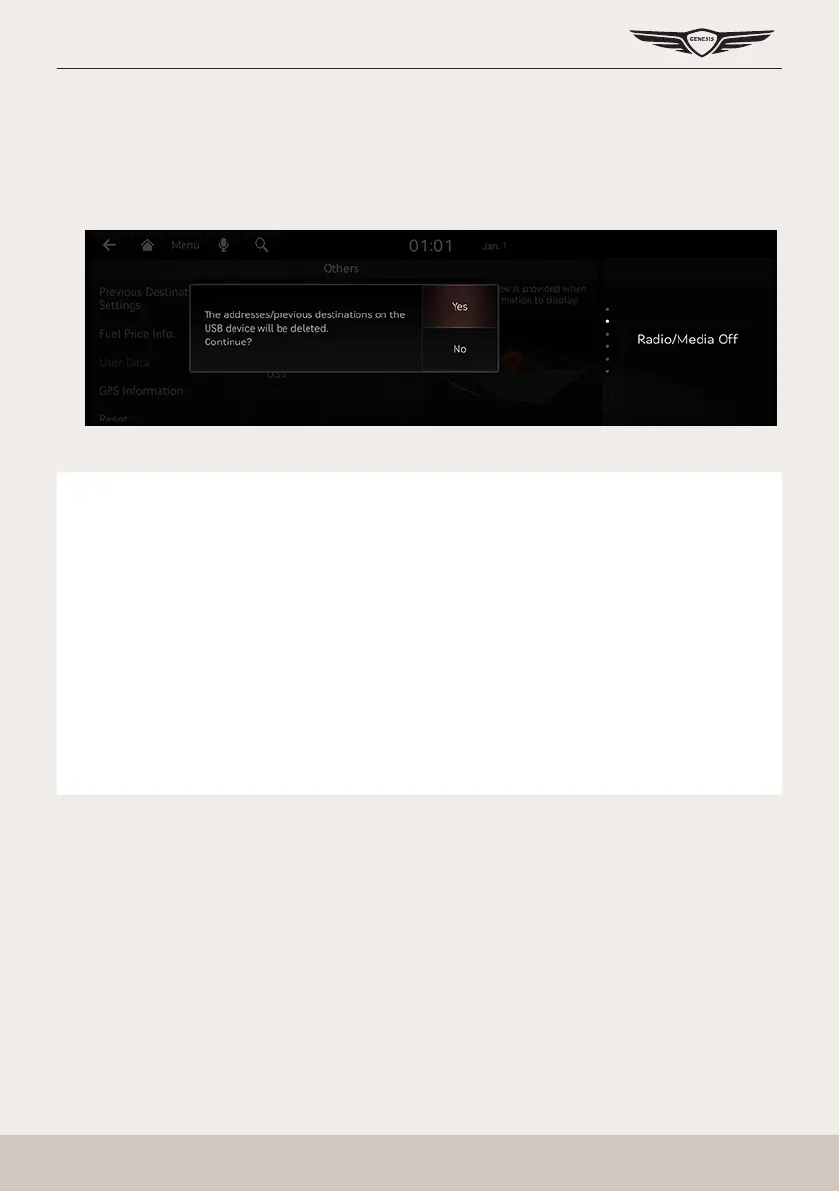
2. Press [Setup] > [Navigation] > [Others] > [User Data] > [Export Address Book/Previous
Destinations to USB Device] on the home screen.
3. Press [Yes].
,
noTe
䠐 The data amount to import from a USB memory is limited based on the number of
registered locations supported by the navigation device.
䠐 If the data saved in the USB memory uses different coordinates from the ones used in
the current system, the coordinates of registered locations may change.
䠐 Import feature may change previously saved registered locations as well as favorites in
the navigation device.
䠐 Use after checking if the import feature has been normally performed is recommended.
䠐 Import/Export feature may not be supported depending on the USB memory format
type.
䠐 FAT16, FAT32, ex FAT and NTFS are supported.
䠐 Some USB memories may not be supported due to compatibility issues.



 To Next Page