32
Activating Navigation
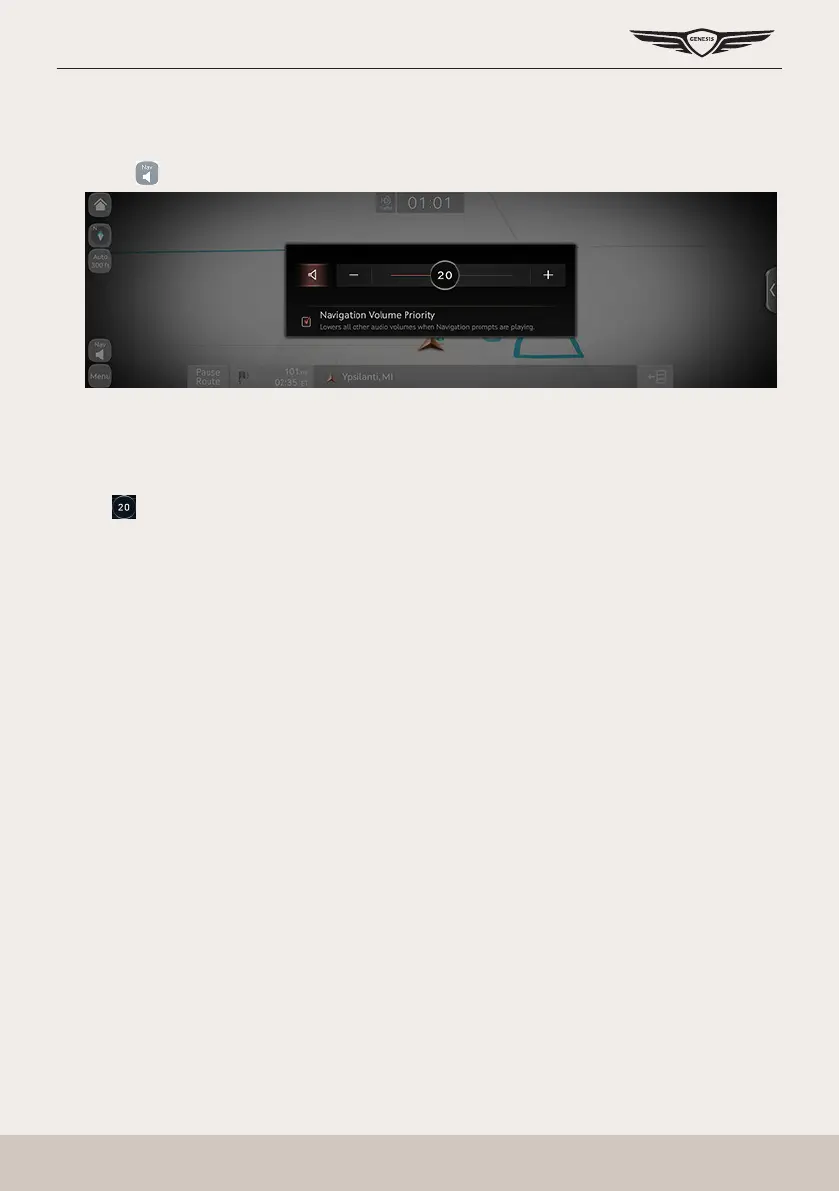
naVigaTion Volume
Sets the volume of voice guidance of navigation.
1. Press [ ] on the map screen.
2. Select a desired item.
䠐 [
J
]/[
I
]: Sets to adjust the volume.
䠐 [
c
]/[
d
]: Turn the voice guidance on/off.
䠐 [ ]: Navigation volume is controlled by one action.
䠐 [Navigation volume priority]: Check the box to have the volume of navigation guidance
louder than the audio volume.



 To Next Page