56
Setting Routes for Navigation
seTTing rouTes for naVigaTion
rouTe displaY
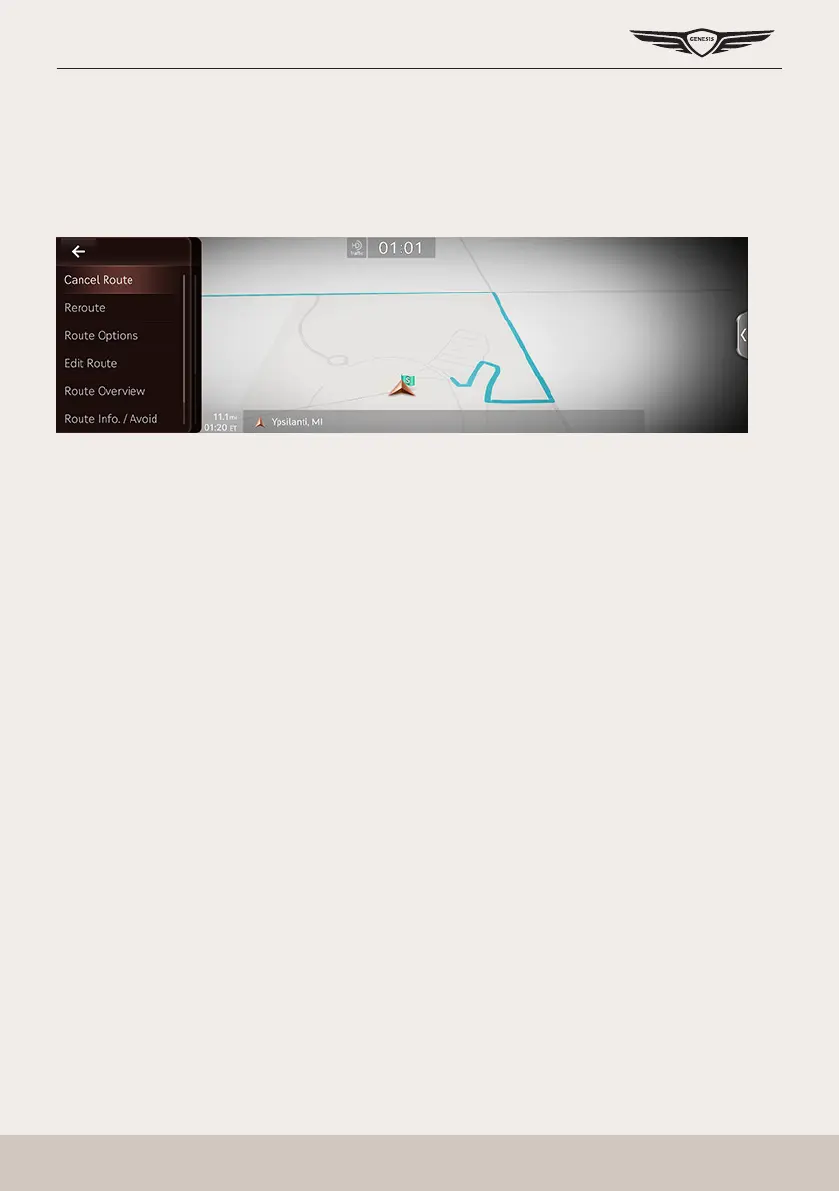
After setting a destination, press [Menu] > [Route] on the map screen.
Cancel Route
Cancels the route to the set destination.
Reroute
Searches a route to the destination again.
Route Options
Various route options are available to search to the set destination.
Edit Route
Started Location, Waypoint and Destination are listed. The corresponding locations and the list
order can be edited.
Route Overview
Checks or edits the rout overview to the set destination.
Route Info./Avoid
Shows the total distance, the estimated time consumption, the estimated time of arrival and
the road information as well as the detail current location to the set destination.
Destination Info.
Shows the remaining distance, the estimated time consumption and the estimated time of
arrival to the set destination.



 To Next Page