44
Activating Navigation
deleTing regisTered mY places
1. Press [Menu] > [Destination] > [Address Book] on the map screen.
2. Press [My places] on address book screen.
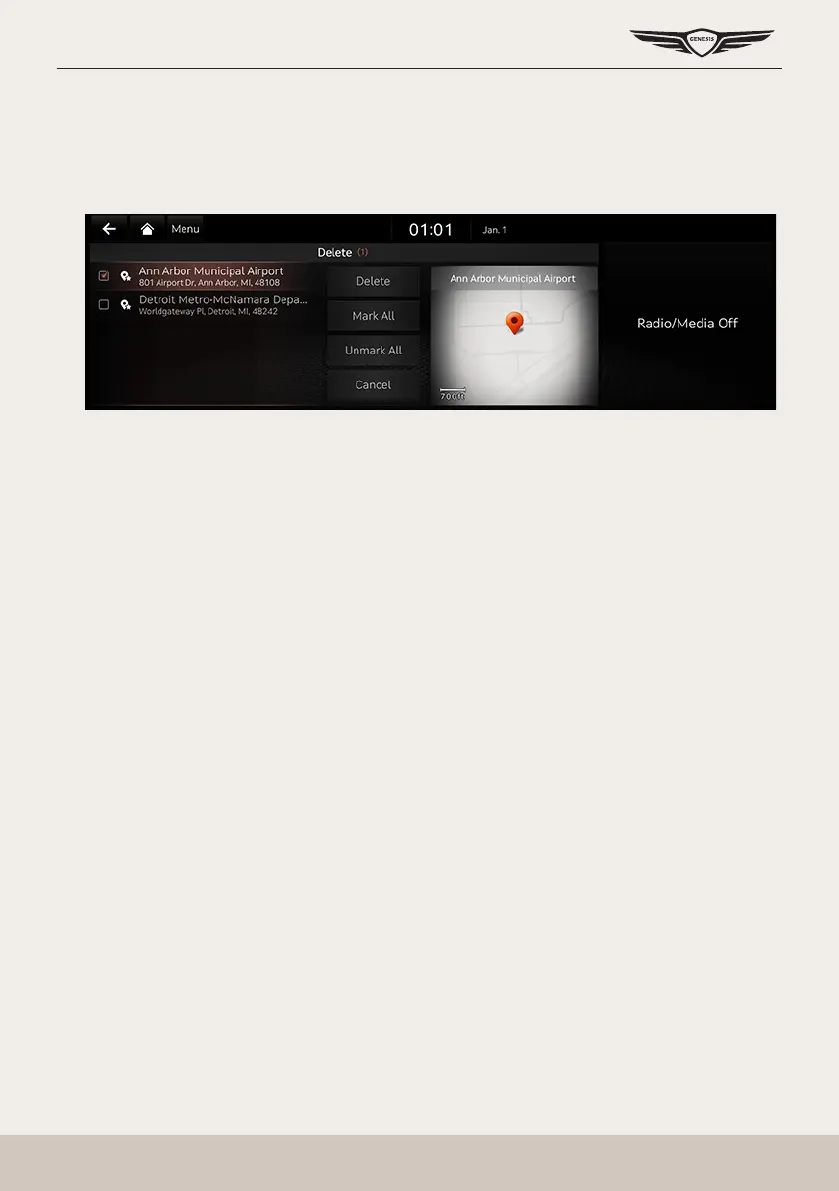
3. Press [Menu] > [Delete].
4. Select the desired item, press [Delete].
䠐 [Mark All]: Selects all items.
䠐 [Unmark All]: Unmarks all items.
䠐 [Cancel]: Exits screen.



 To Next Page