35
Activating Navigation
regisTering locaTion
The current vehicle locations can be registered.
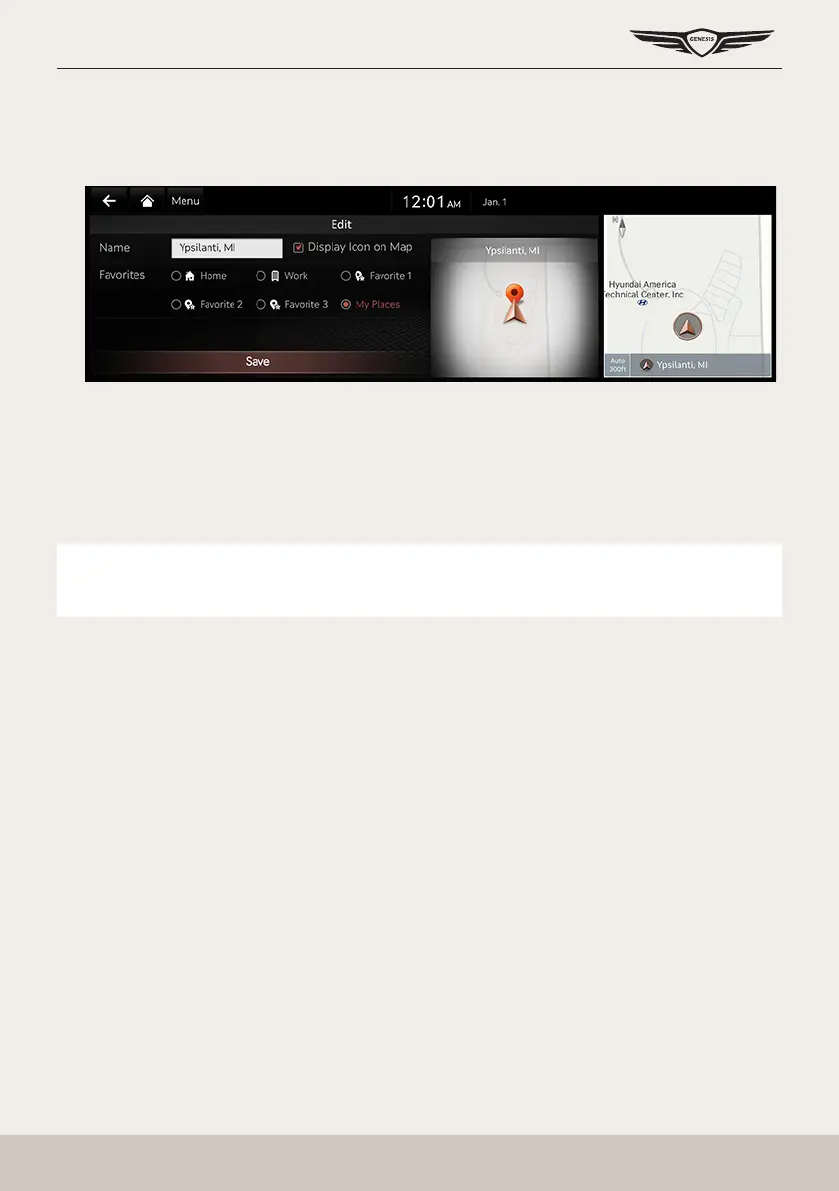
1. Press [Menu] > [Save] on the map screen.
2. Press a desired item.
䠐 [Name]: After editing the name, press [OK].
䠐 [Display Icon on Map]: Sets a symbol to specify on the map screen.
䠐 [Favorite]: Selects a desired favorite.
3. Press [Save].
,
noTe
Press [Menu] > [Destination] > [Address Book] to check the registered location.



 To Next Page