71
Genesis Connected Services
genesis connecTed serVices seTTings
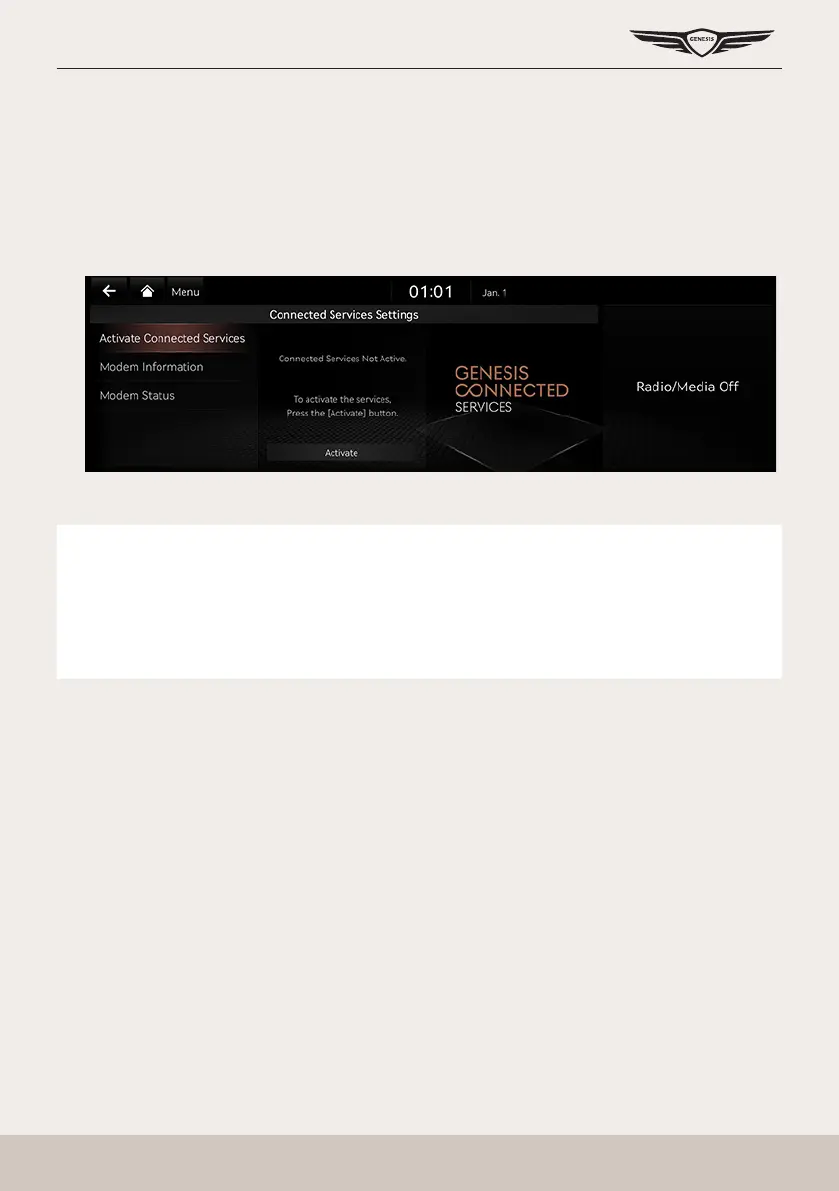
serVice acTiVaTion
After you buy your car, you need to activate (register for) Genesis connected services to use
any Genesis connected services features, including calendar and vehicle diagnostics.
1. Press [Connected Services] > [Connected Services Settings] > [Activate Connected
Services] on the home screen.
2. Press [Activate].
,
noTe
䠐 Activation may take up to ve minutes.
䠐 Do not turn the engine off while activation is in progress.
䠐 If activation fails, contact your service partner or an authorized Genesis partner.
䠐 During service activation, the hard keys in the head unit do not work.



 To Next Page