47
Setting Destinations for Navigation
seTTing desTinaTions for naVigaTion
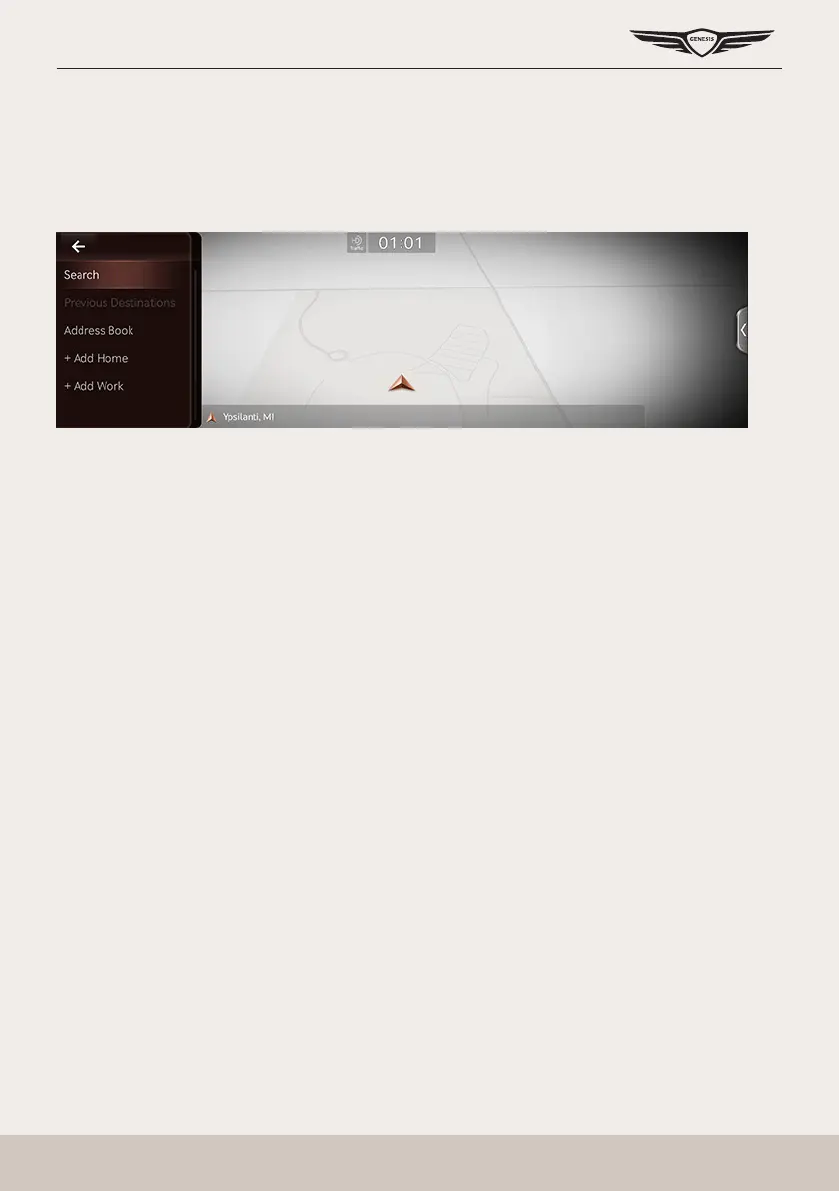
desTinaTion search screen
Press [Menu] > [Destination] on the map screen.
Search
The search results by the complete name or initial, phone number or address are specied on
the map screen.
Previous Destination
A destination is searched by [Favorite destinations], [Previous destinations], [Searches].
Address Book
Searches a destination registered in address book menu.
Add Home/Home
䠐 Save home at the address book.
䠐 Searches registered home as a destination.
Add Work/Work
䠐 Save work at the address book.
䠐 Searches registered work as a destination.



 To Next Page