53
Setting Destinations for Navigation
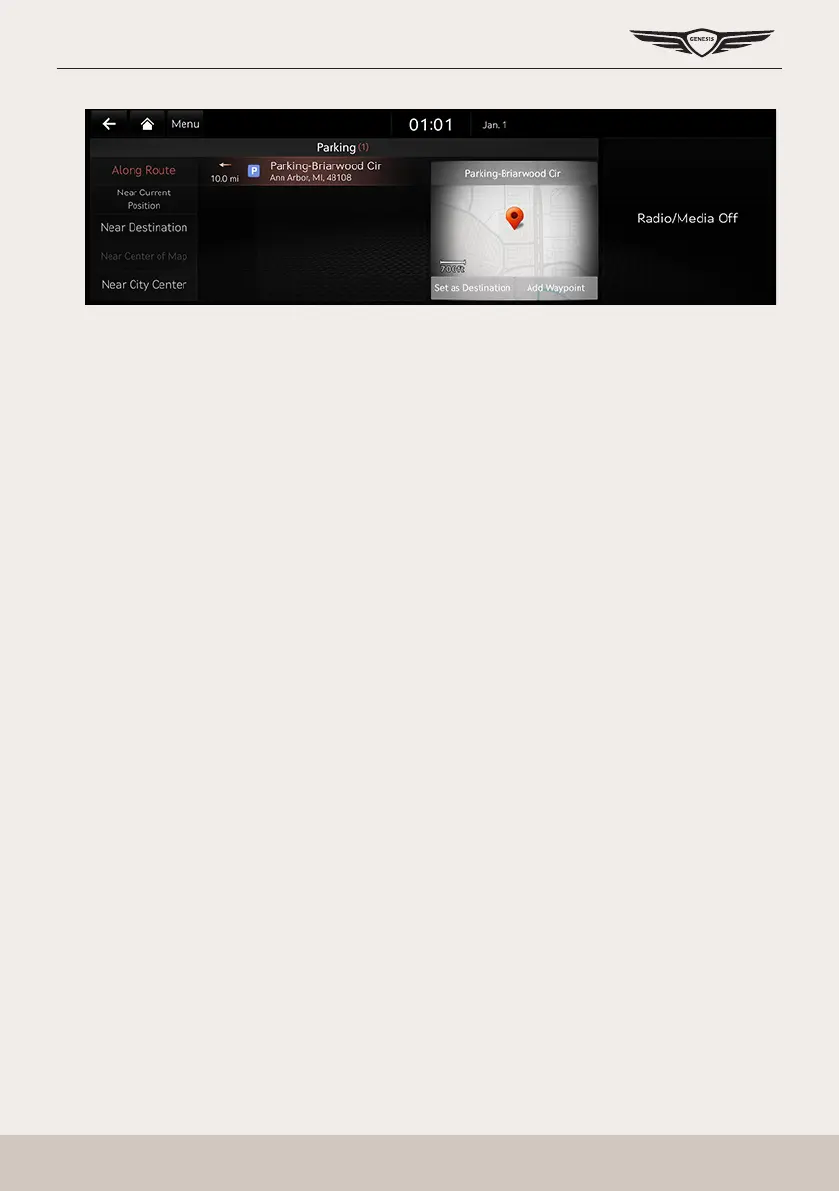
3. Press a desired item. (Ex: Parking)
䠐 [Along Route]: Facility search in neighboring area of route.
䠐 [Near Current Position]: Facility search in neighboring area of the current vehicle
location.
䠐 [Near Destination]: Facility search in neighboring area of destination or waypoint.
䠐 [Near Center of Map]: Facility search in neighboring area of selected location.
䠐 [Near City Center]: Facility search in neighboring area of city center.
4. Select a desired list.
5. Refer to the step 4 to 6 of "Setting Destinations by Search" for follow-up actions.



 To Next Page