BDVR Manual 16 Version 1.2
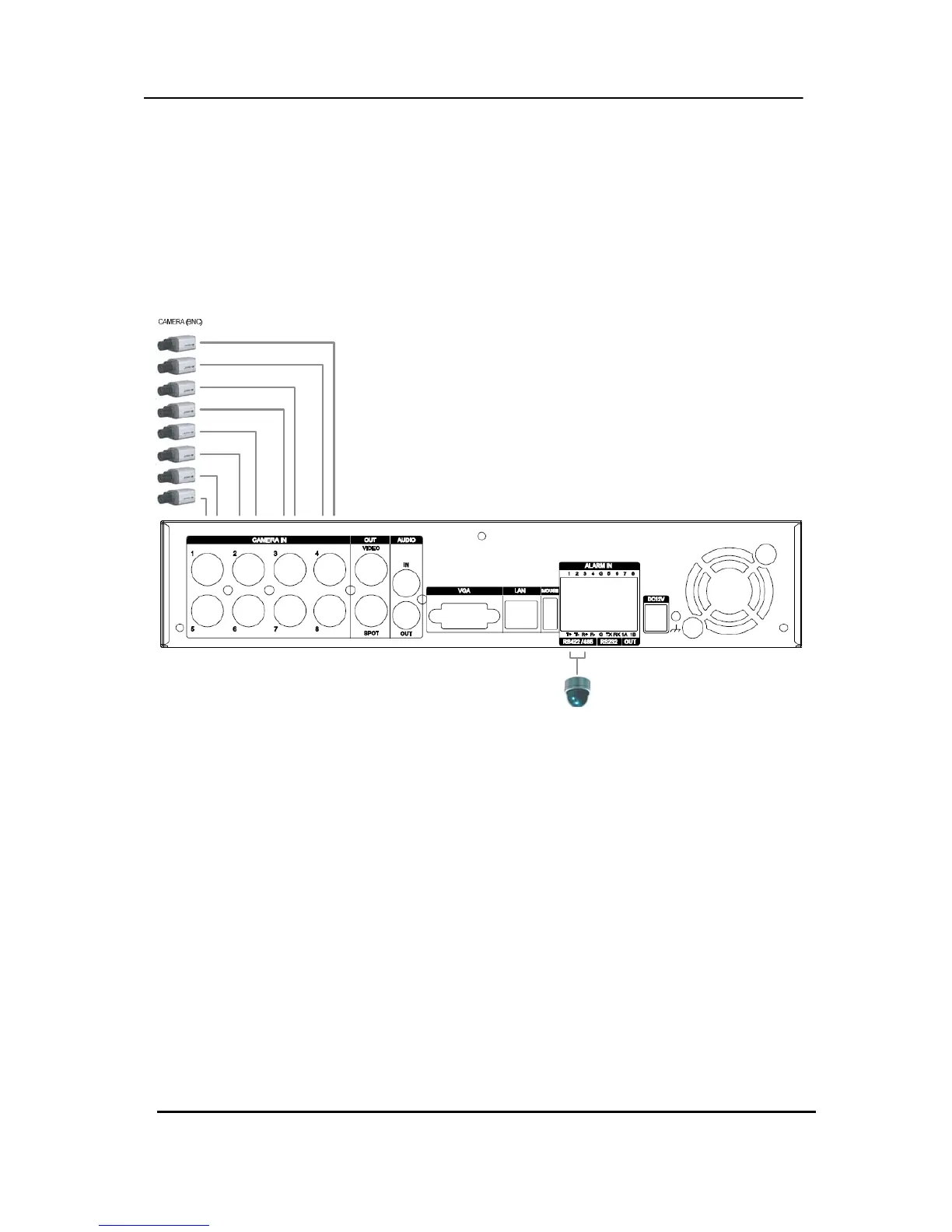
1-2. CAMERA
This product can be installed for 4~16 cameras, dependant on Model number.
Connect cameras to the VIDEO IN (BNC) on the back panel of the machine.
To connect a PTZ camera, connect the PTZ camera’s control line to the RS-422 TX+,
RS-422 TX- terminal and connect the video output to one out of VIDEO IN on the back panel
of the product.
PTZ CAMERA



 To Next Page