BDVR Manual 17 Version 1.2
1.3 AUDIO
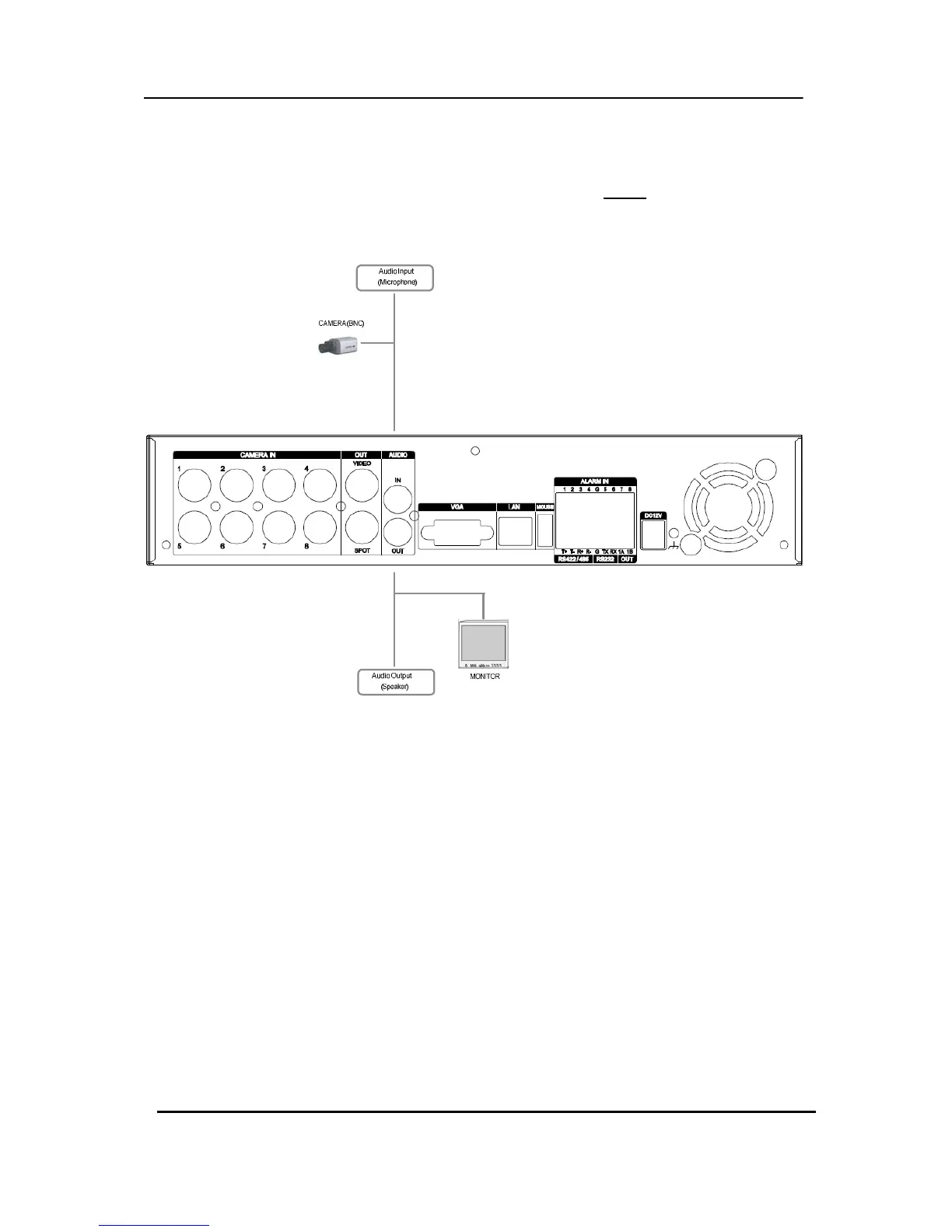
The system has one channel audio input and output. To record and playback audio signals,
connect an audio device (microphone) to the AUDIO IN (1 Vp-p @600
ohms) and speaker to
the AUDIO OUTPUT (see illustration below).
1.4 MONITOR
There are three video outputs (2 x BNC, 1 x VGA) on the rear panel of the system.
Connect monitors depending on your application.
1 x BNC for Main composite video output.
1 x BNC for Spot composite video output.
1 x VGA output.



 To Next Page