70 DIGITAL VIDEO RECORDER
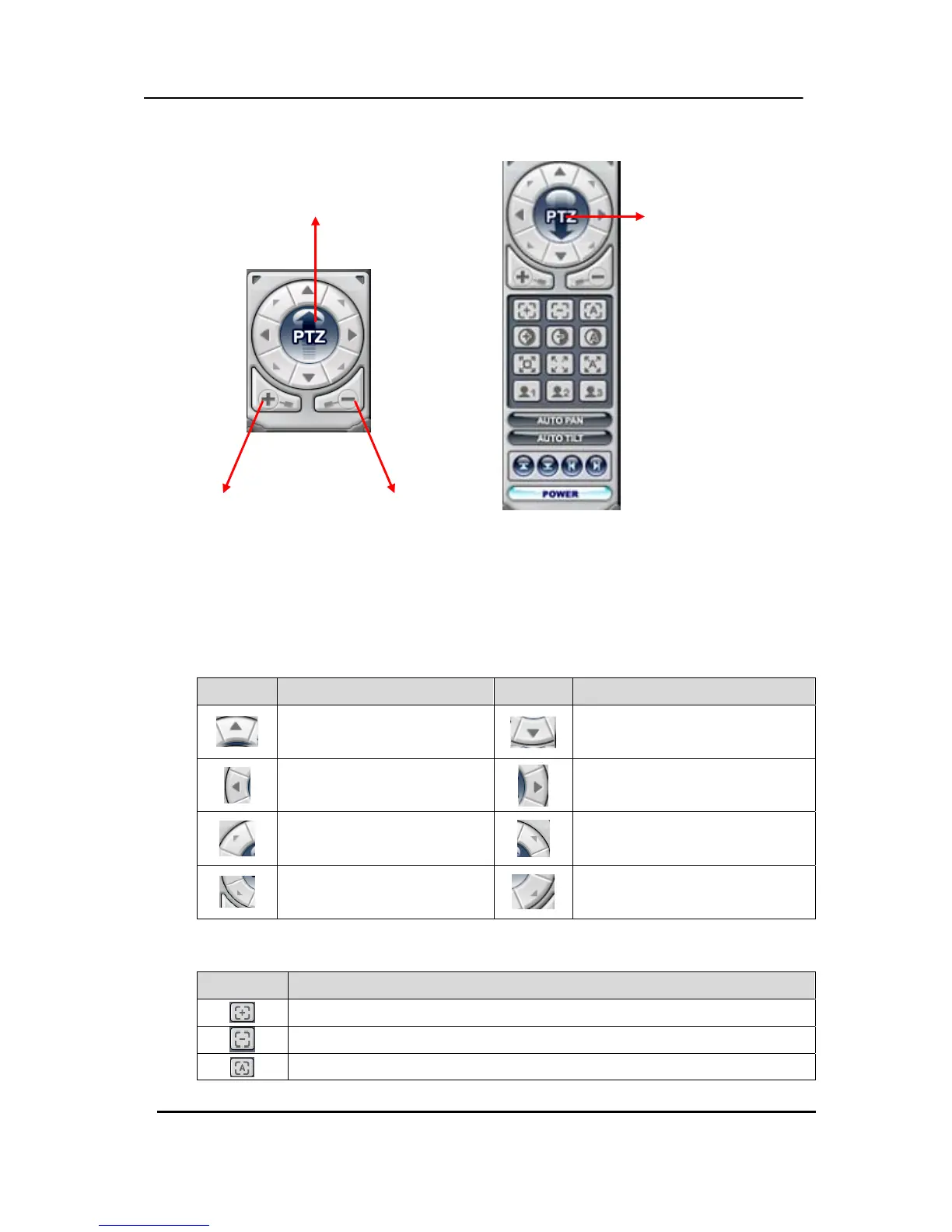
(6) PAN/TILT Control button.
If one or more Pan/Tilt/Zoom Cameras are installed on the DVR, they can be individually
selected and controlled using the PTZ control box. To control a channel-specific PTZ
camera, simply click on the channel where the PTZ camera is connected.
a. Pan and Tilt
Indicator Resulting Actions Indicator Resulting Actions
To tilt up
To tilt down
To pan left
To pan right
To go upper left hand.
To go upper right hand.
To go down left hand.
To go down left hand.
b. Focus
Indicator Resulting Actions
Focus Far
Focus Near
Focus Auto
Switch to Compact Interface
Switch to Full Interface
Zoom IN Zoom Out



 To Next Page