71 DIGITAL VIDEO RECORDER
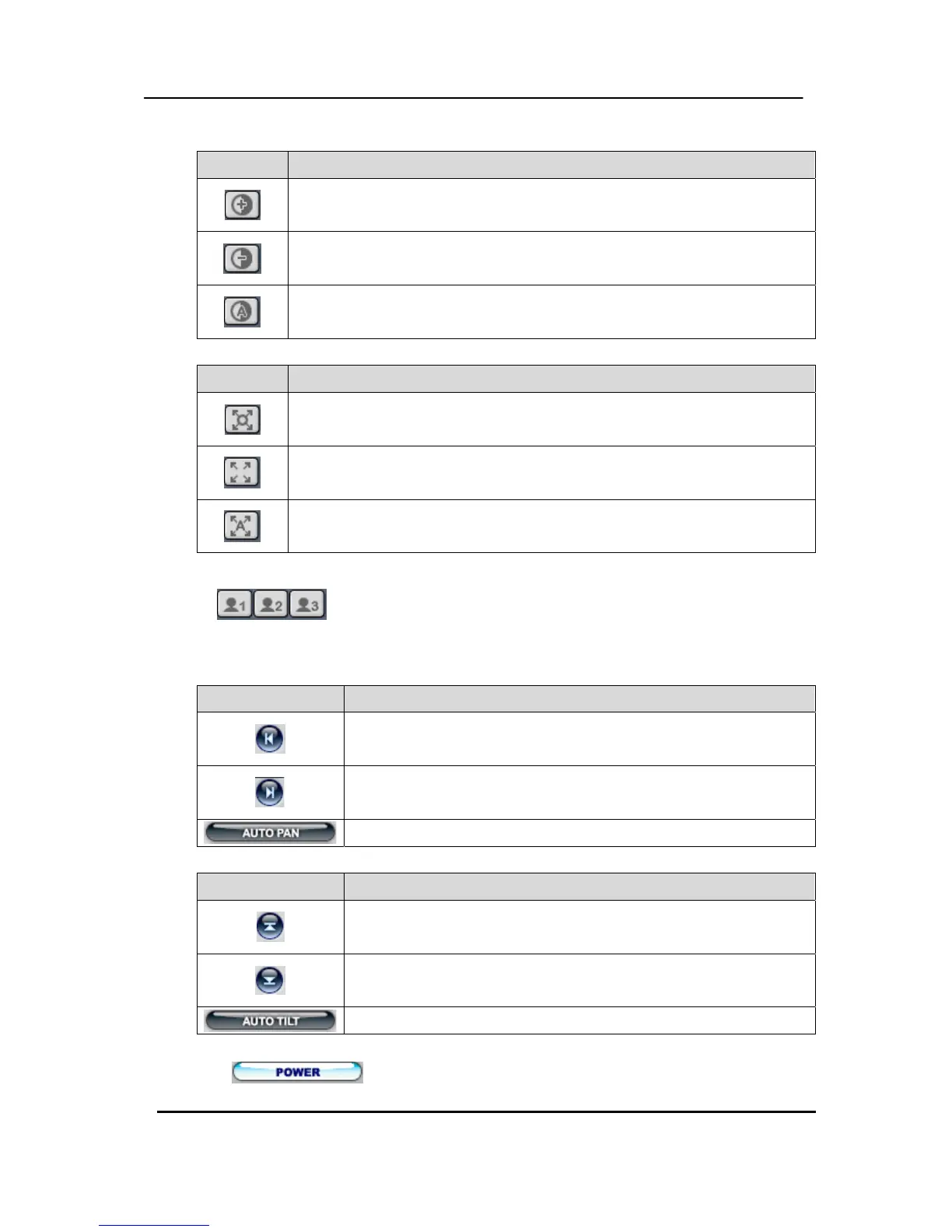
c. Iris
Indicator Resulting Actions
Iris Open
Iris Close
Iris Auto
d. Tour
Indicator Resulting Actions
Set Tour by clicking. Total address is depends on connected Pan/Tilt
Camera.
Go To, Calls up preset
Start Automatic Tour
e. Special Function Key
It has various function depends on PTZ camera
f. Auto Pan
Indicator Resulting Actions
Set Auto pan to left boundary.
Set Auto pan to right boundary.
Run Auto Pan function.
g. Auto Tilt
Indicator Resulting Actions
Set Auto Tilt to upper boundary.
Set Auto Tilt to down boundary.
Run Auto Tilt function.
h. Pan/ Tilt Power
Stand by Pan/Tilt or Turn on/off the lights of P/T/Z camera.



 To Next Page