Zoom80 | 68Operation
3.6.1 Instrument
Insert and
remove a
CompactFlash
card
step-by-step
Step Description
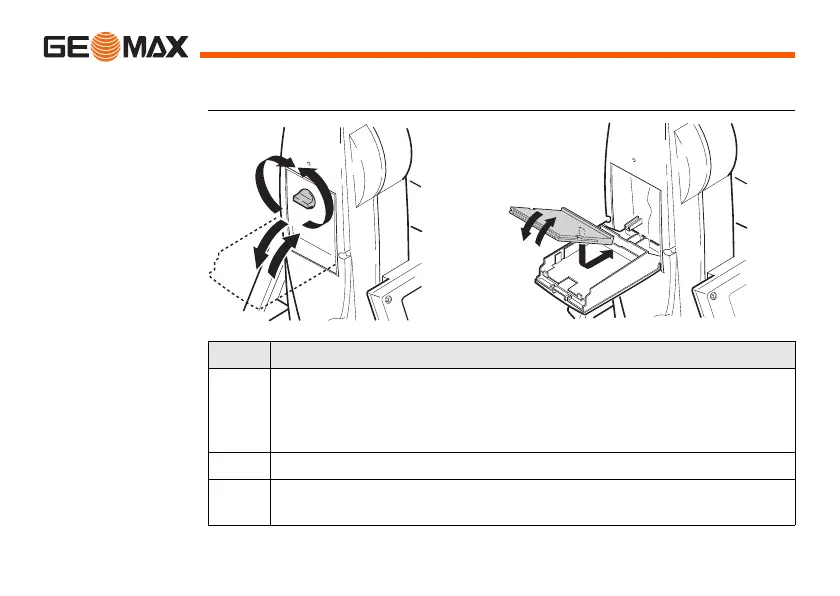
1. Face the instrument so that the vertical drive screw is on the left. The
CompactFlash card compartment is now on the right side of the
instrument. Turn the knob to the vertical position, opening the lid of
the CompactFlash card compartment.
2. Open the lid of the CompactFlash card compartment.
3. Pull the front of the CompactFlash card up and take the card out of
the lid.
1
7
2
6
4
5
3



 To Next Page
 Loading...










