Zoom80 | 96Check & Adjust
4.5 Adjusting the Circular Level of the Instrument and
Tribrach
Adjusting the
circular level
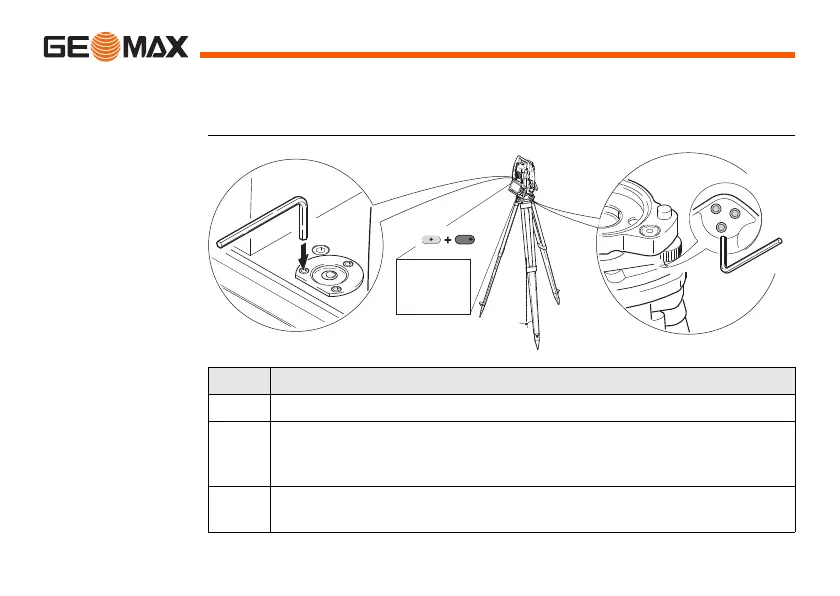
step-by-step
Step Description
1. Place and secure the instrument into the tribrach and onto a tripod.
2. Using the tribrach footscrews, level the instrument with the elec-
tronic level. SHIFT (F12) to access STATUS Level & Laser
Plummet.
3. Check the position of the circular level on the instrument and
tribrach.



 To Next Page
 Loading...










