36 37
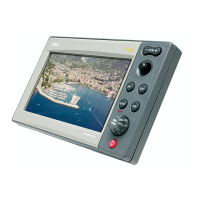
progressively. In case of error, waypoints can be deleted by
pressing the CLR key (Cursor mode), starting from the last en-
tered.
To go back to Navigation mode, press PAGE.
If an autopilot is connected to the GEONAV, the plotted route
is automatically followed as soon as the Navigation mode is
enabled.
NOTE: The cursor can be moved to the desired position by using the GOTO function
as well. See the GOTO Section for more details.
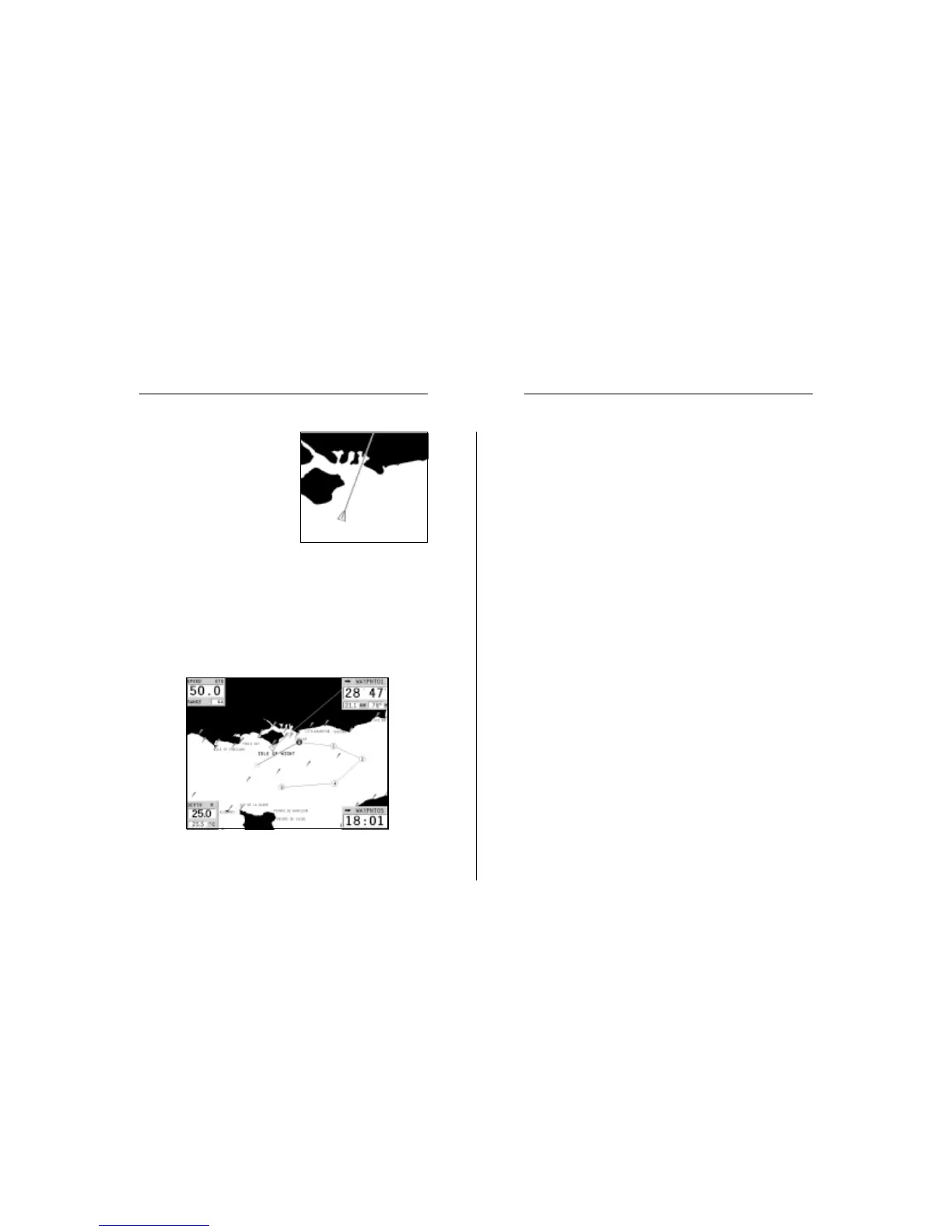
The GEONAV is in Navigation
mode; by the joystick, it is pos-
sible to switch to Cursor mode (ed-
iting mode). The cursor position
is shown by two windows. The
joystick allows moving in all di-
rections.
To plot a route starting from the
boat’s position, move the cursor
to the position desired, and press
ENTER to insert a waypoint, that will be indicated by a circle
containing the number 1.
The windows will also show the time to reach the target
waypoint, distance, bearing and estimated time to arrive.
Press the PAGE key to go back to Navigation mode.
To add more waypoints, enter the Cursor mode by using the
joystick and repeat the operations described above.
As new waypoints are added, the numbering will increase
Quick Tour


 To Next Page