46 47
MENU
The menu bar, displayed at the top of the screen, allows se-
lecting from the following options:
ROUTE: To display route information, reverse and delete the
route.
TRACK: To enable/disable the track function, delete a track,
choose the track color and show the used percentage of track
memory.
MARKER: To delete markers, choose the marker color and show
the number of markers used and available.
SETUP: To enable/disable and change the plotter’s setup.
In Advanced mode, the ROUTE, TRACK and MARKER menus
allow saving and reading data from the CompactFlash™ car-
tridge.
Advanced
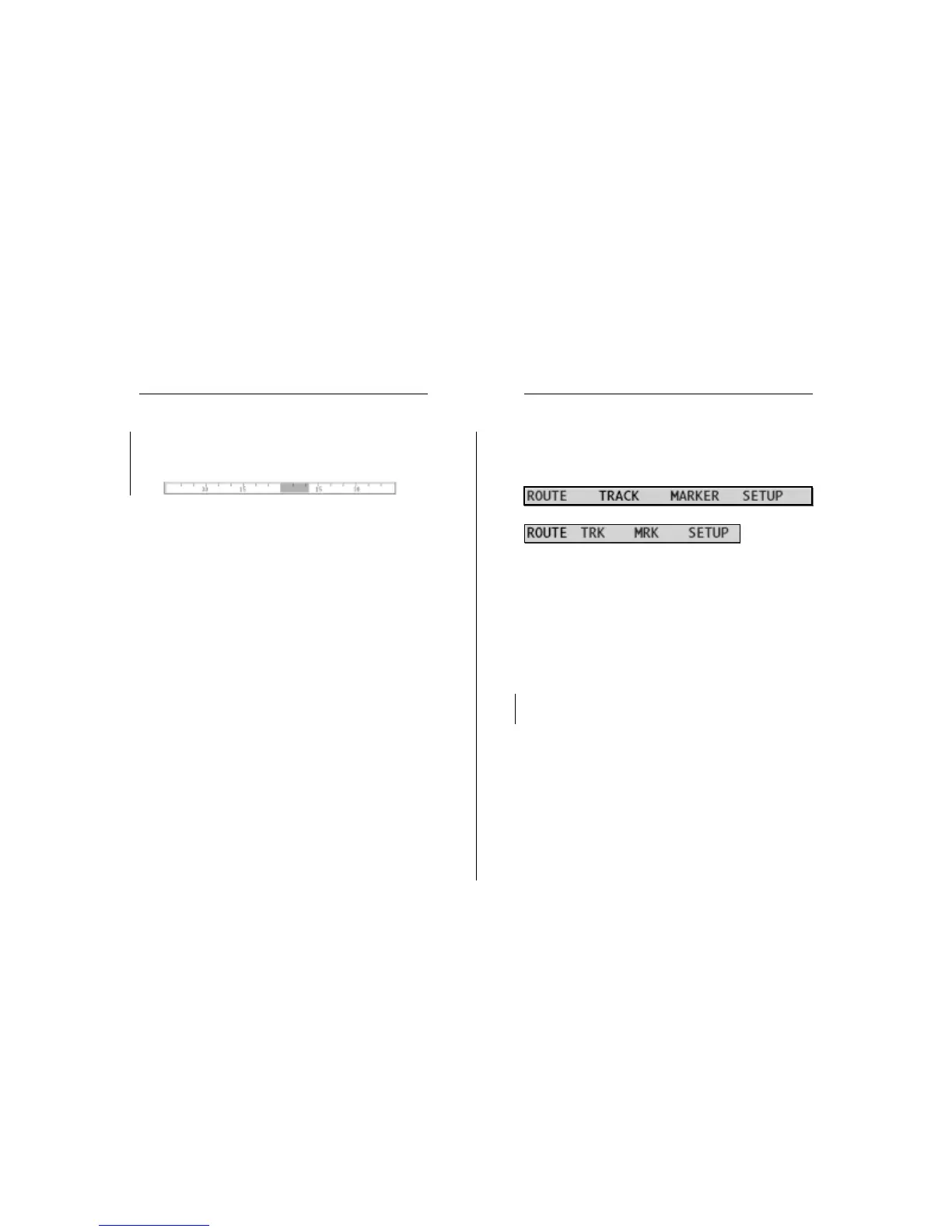
The graph at the bottom of the screen shows the instanta-
neous shift of the true wind direction with respect to the
reference direction.
Sailing
Sailing Windows Menu


 To Next Page