72 73
AUTOPILOT
The GEONAV allows a boat equipped with an autopilot to fol-
low automatically the entered route, compensating for any di-
version caused by external conditions (wind, currents, etc.).
The GEONAV will display the “PROXIMITY TO WAYPOINT”
message to warn the user that the boat is about to reach the
target waypoint.
The GEONAV will display the “END OF TRIP” message to
warn the user that the boat is about to reach the last waypoint
in the route.
WARNING: In order to avoid sudden change of course, it is always recommended
to disable the autopilot when editing and/or creating a route.
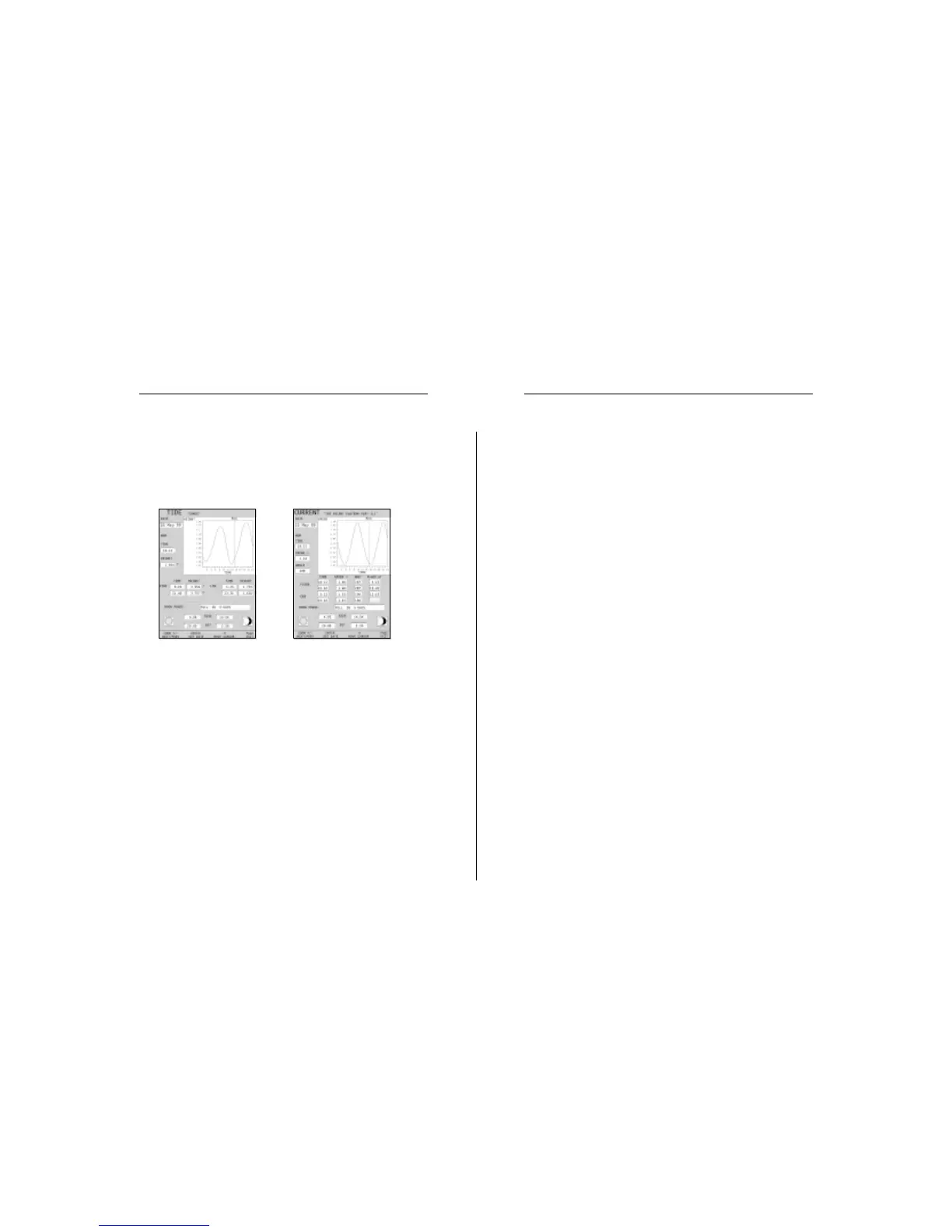
In the both cases above, the default date is today. A different
date can be set by pressing ENTER or -ZOOM+.
NOTE: The same information can be accessed by positioning the manual cursor on
the icon of a Tides or Currents station, and pressing ENTER to confirm.
Goto
Autopilot



 To Next Page