66 67
GOTO
The GOTO function allows creating a route or changing the
target waypoint in the current route.
NOTE: As the GOTO menu appears, only the very first menu items are displayed in
the Sunshine 8 model. To access the subsequent items, it is necessary to scroll the
menu by using the joystick.
Route to a waypoint
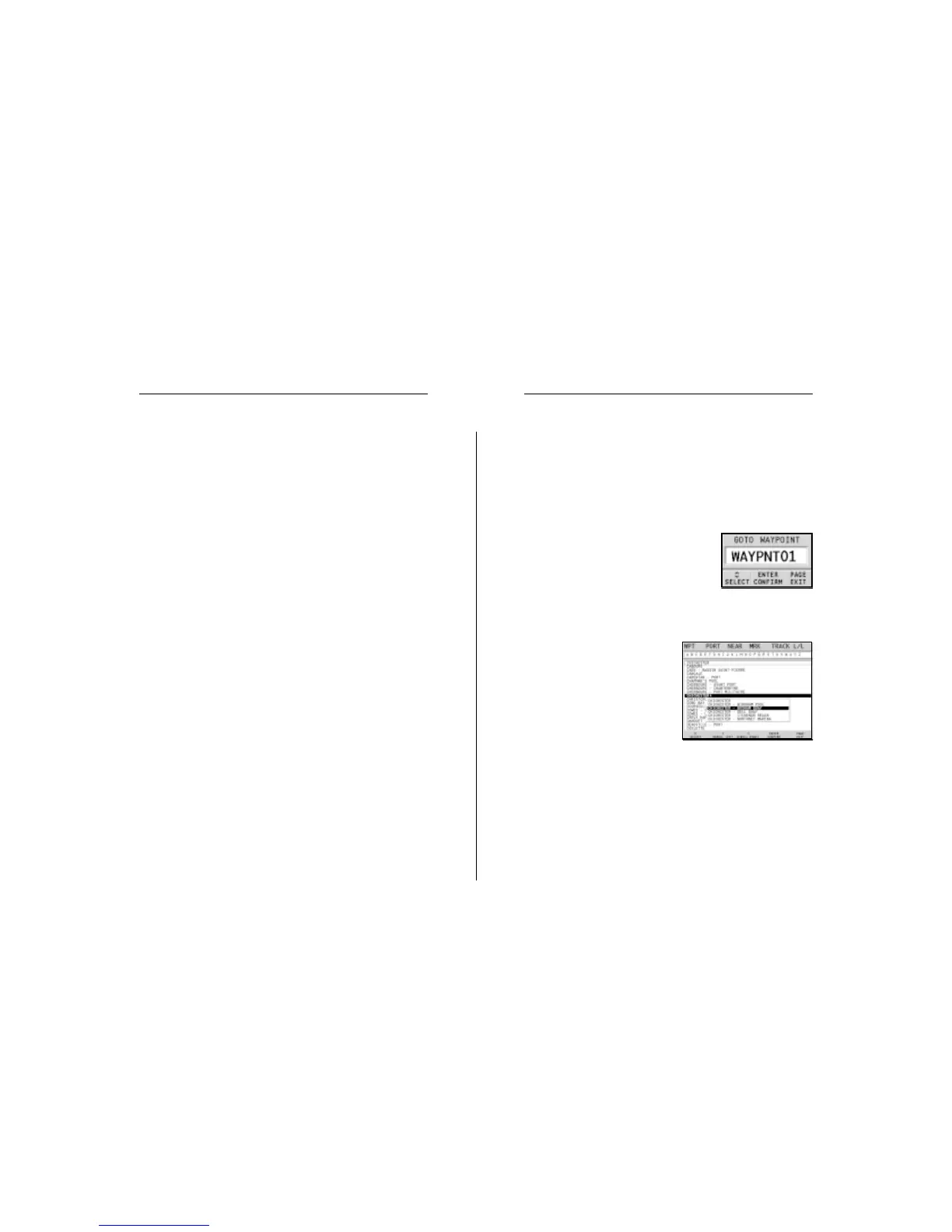
Press the GOTO key, select WPT and press
ENTER to open the GOTO Waypoint win-
dow. Choose a waypoint, press ENTER to
confirm or PAGE to exit.
As the GEONAV will plot a new route, the waypoint selected
will become the first waypoint in the route, whereas previous
waypoints will be deleted.
Route to a port
Press the GOTO key and select
PORT by the joystick. Choose the
desired port (the latest 8 ports
used will be highlighted) from
the catalog displayed, then press
ENTER to confirm. To scroll the
list of ports quickly, press the
-ZOOM+ key.
It is also possible to choose directly the first letter in the port
name by using the joystick to select it from the bar displayed
above the list. To confirm the selection, press ENTER.
If a port features secondary landing places, its name will show
a small arrow at the end. To select the secondary landing
place from the relevant window, press ENTER and then use the
joystick.
• Time Reference (LOCAL/GMT)
Allows entering local time.
• Select Mode (STANDARD/ADVANCED)
Allows switching between standard and advanced mode.
• Distance Units (NAUT/METR/STAT)
Allows selecting distance units.
• Depth Units (M/FT/FA)
Allows selecting depth units.
• Language (EN/FR/ES/DE/IT/DK/SV/NL/SU/NO)
Allows selecting the language.
• Welcome Message (ON/OFF)
Enables/disables the display of a message in the welcome
page, appearing as the instrument is turned on. By select-
ing ON, a window will allow writing or editing the mes-
sage.
Setup Goto


 To Next Page