50 51
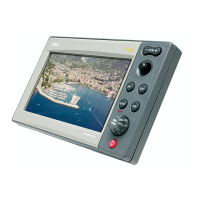
TRIP WINDOW
The Trip window shows general data relating to the route
followed.
• Average speed from departure
• Maximum speed from departure
• Time elapsed from departure
• Partial distance covered from departure
• Overall distance covered
To reset all counters (except for the overall dis-
tance) before starting a new journey, press the
CLR key.
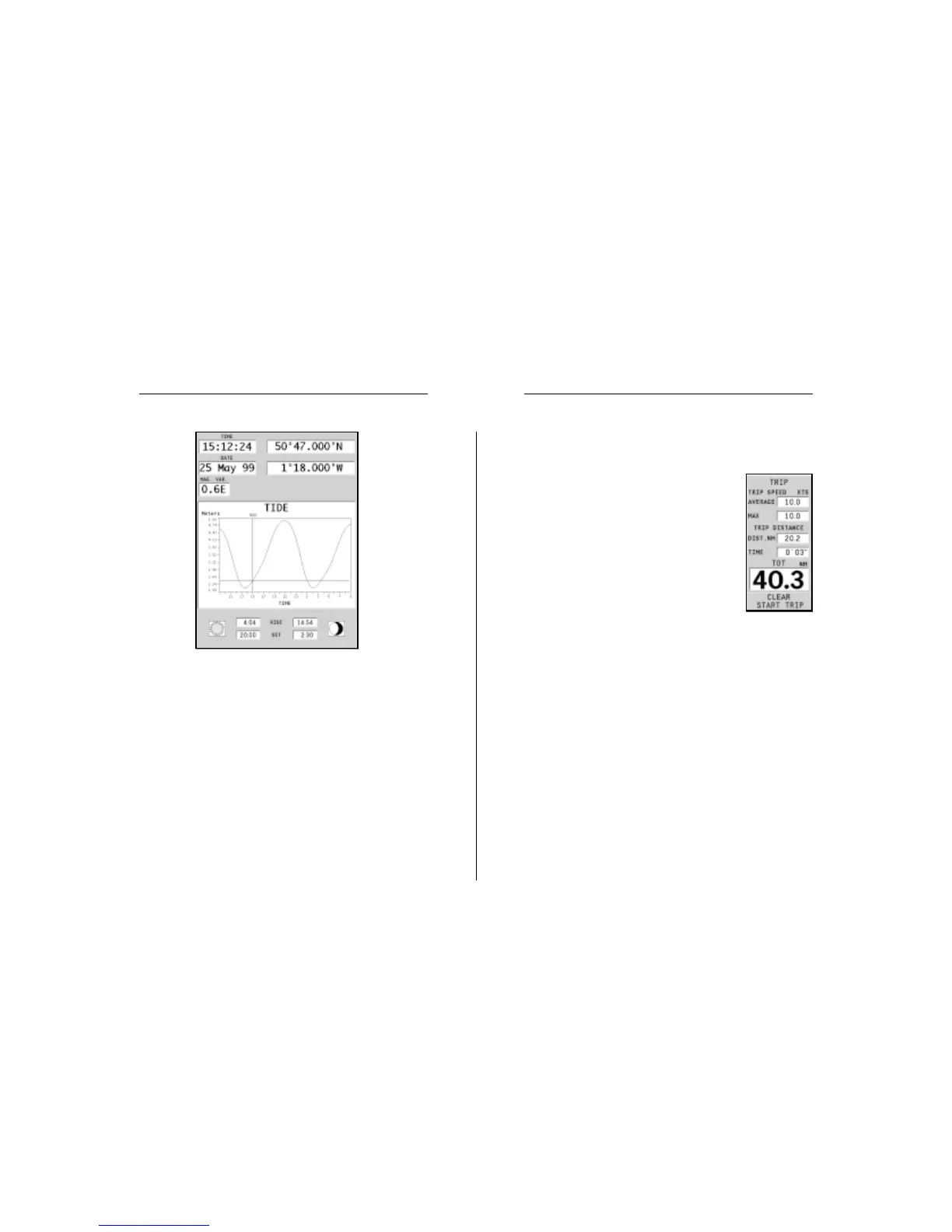
WARNING: Unlike the graph displayed at a T&C station position (accessible through
the GOTO function, or by positioning the cursor on the Tides and Currents station
symbol) which is as accurate as supplied by hydrographic offices, this graph shows
estimated data, being the result of interpolation between the two Tides and Currents
stations nearest to the point of interest. The accuracy of the estimate may vary,
depending on the coast type, the distance to the nearest stations, and other geographi-
cal features.
Info Window Trip Window


 To Next Page