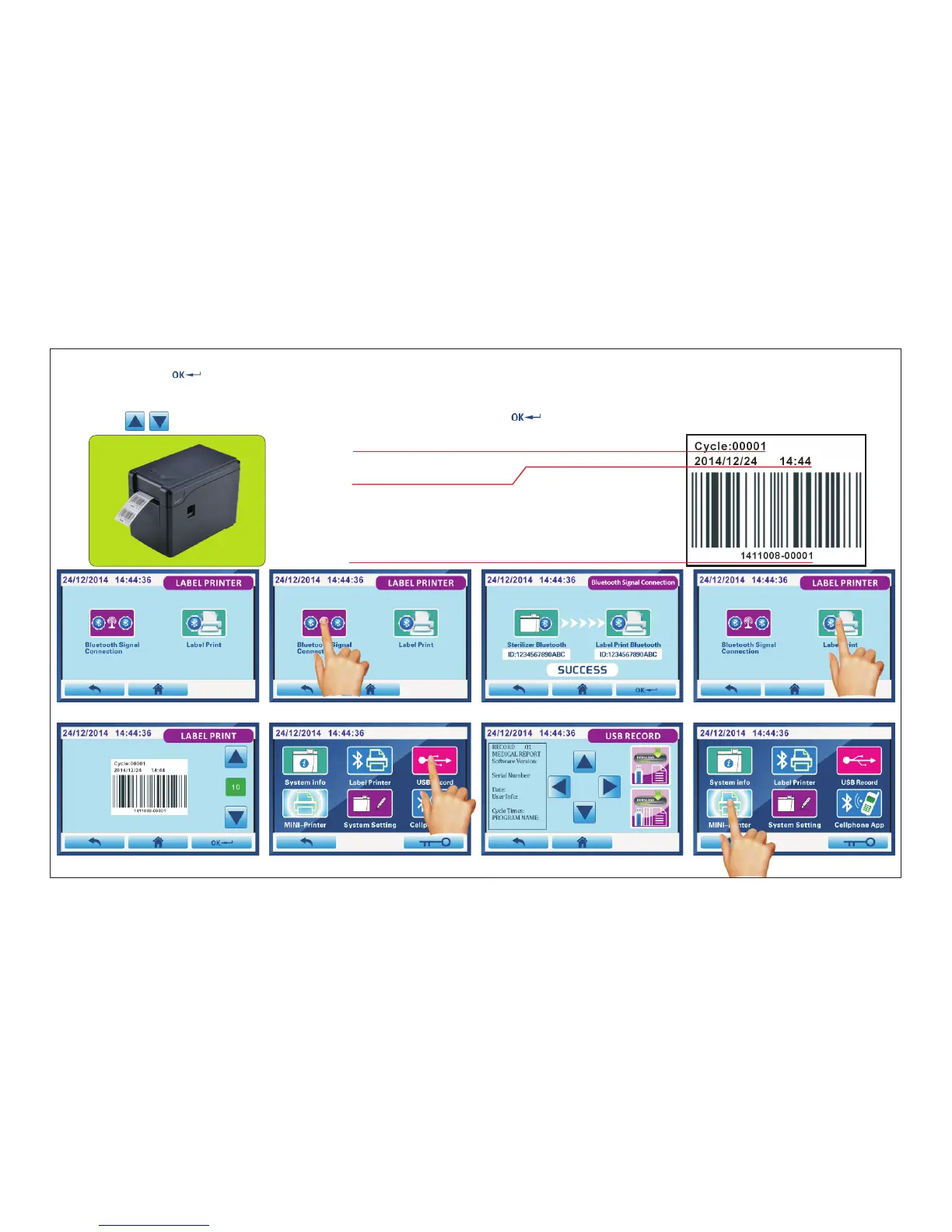
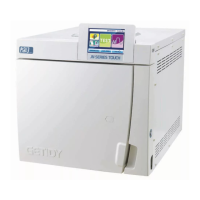
Fig.4.5-5 Fig.4.5-6 Fig.4.5-7 Fig.4.5-8
Click“ Label Printer”(Fig.4.5-4) into Fig.4.5-5 interface.then press “Bluetooth signal connection”Fig.4.5-6 into Fig.4.5-7
interface.Click “ ”bottom to start connection.“CONNECTING...”:During the connection;“SUCCESS”:connection
succeeded.
Back to Fig.4.5-6 interface.click “Label Printer”(Fig.4.5-8) into Fig.4.5-9 interface.
Click on “ ”to change the number of labels you want,Click “ ”bottom to print.
Sterilization cycle number
Date and Time
Barcode information
“1411008”is the sterilizer S.N.
“00001”is sterilization cycle number
Label Printer
Fig.4.5-9 Fig.4.5-10 Fig.4.5-11 Fig.4.5-12
Page 24 of 58



 To Next Page