Page 19
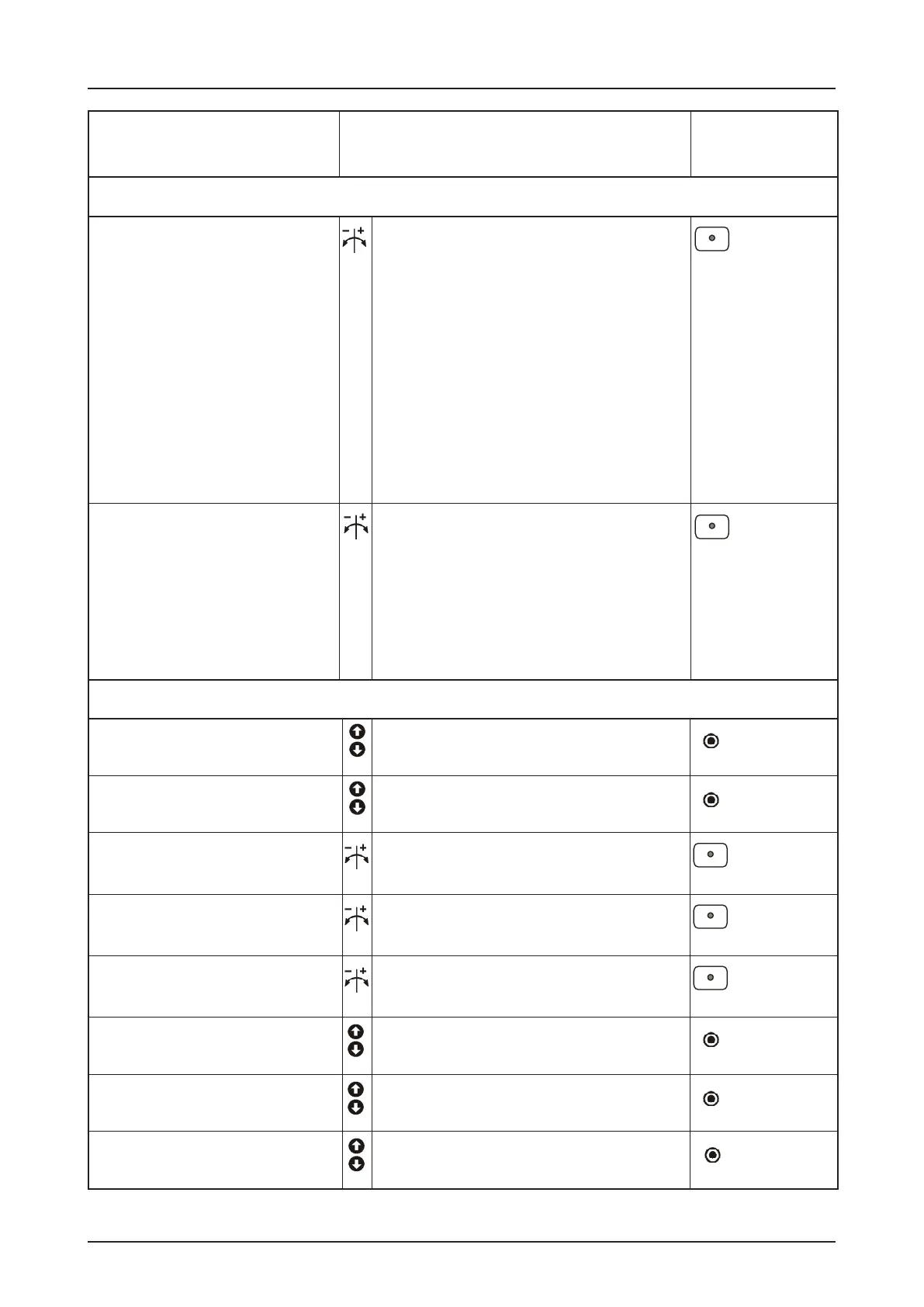
Operating mode
Door position
CONTROL PROGRAMMING
4.
Memorise 3. Adjustment
2. Choose program and
conrm
Press
selector
Hold-to-run OPEN
Hold-to-run CLOSE
Door function
Self-hold OPEN
Hold-to-run CLOSE
Self-hold OPEN
Self-hold CLOSE
Self-hold OPEN, CLOSE
(X5/X15) release for external push-
button function only hold-to-run
close
Press STOP-
button
Move door
upwards or downwards
Final limit open
coarse adjustment
Press
selector
Move to intermediate stop
Intermediate stop
Move to switching position relay 1
Switching position Relay 1
Press STOP-
button
Press STOP-
button
Pre-limit safety edge can
change using +/-
Pre-limit safety edge
ne adjustment
Press
selector
Press
selector
Press STOP-
button
Move door
upwards or downwards
Final limit close
coarse adjustment
Final limit open can change
without door movement using +/-
Final limit open
ne adjustment
Final limit close can change
without door movement using +/-
Final limit close
ne adjustment
Move to switching position relay 2
Switching position Relay 2
Press STOP-
button
Spiral cable or Radio-Safe
Light curtain
Special function
Press
selector
NOTE!
This Menu item is only enabled
at initial operation or after a
complete reset. The selection
must be made before setting
the nal limit positions.
NOTE!
The selection is retained even after a
reset but can then be changed.
Hold-to-run OPEN
Hold-to-run CLOSE with active safety edge
1. 1
1.2
1.3
1.6
1.5
1.4
1.7
1.8
0. 1
. 1
.2
.3
.4
0.3
.2
-.0
-.0
-.0
-.-
-.-
-.-
_._
-
.
-
. 1
.6


 To Next Page