From 3rd Party Websites
1.
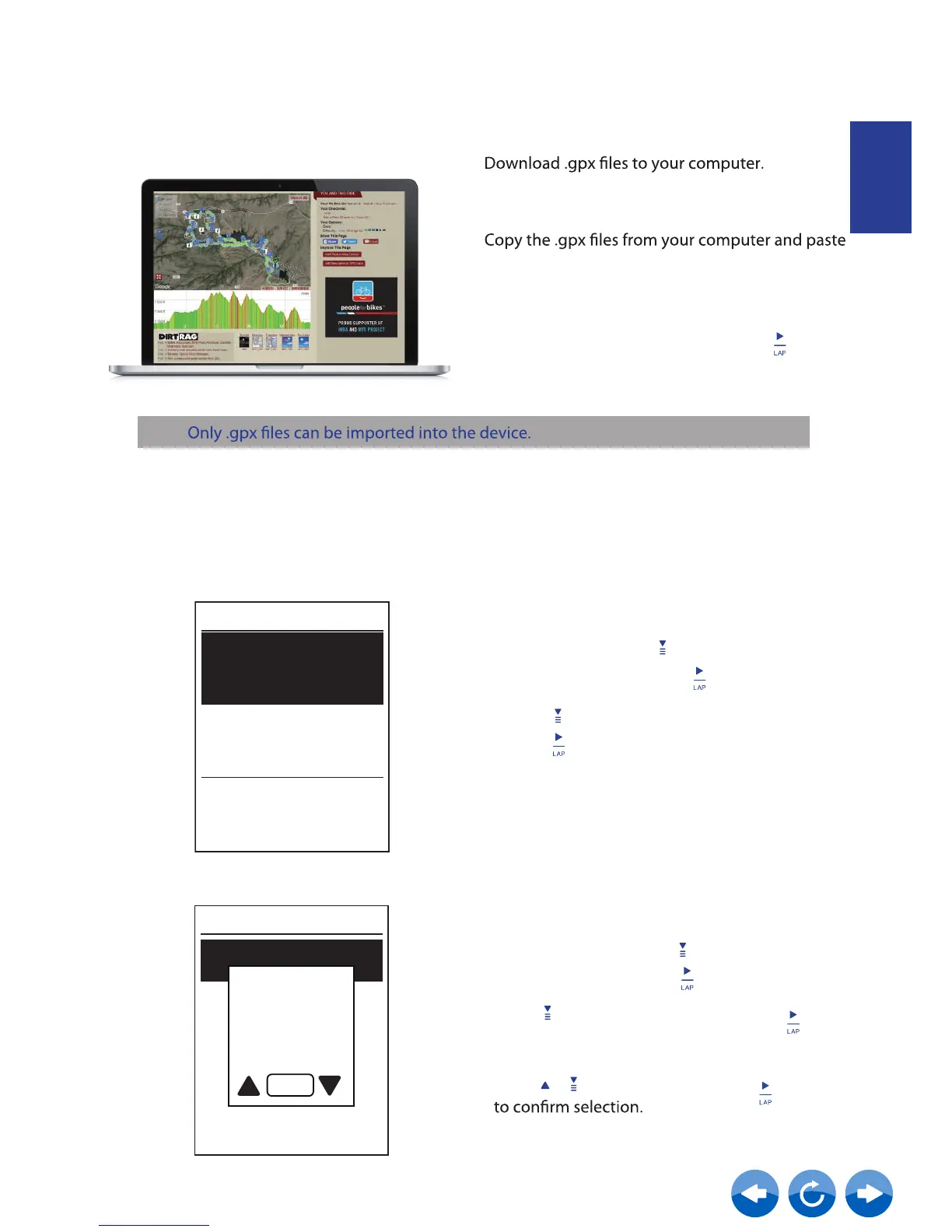
2. Use your USB cable to connect the device to
your computer.
3.
them to the AddFiles folder of the device.
4. Remove USB cable.
5.
Note:
View/Delete Routes
You can veiw and delete your tracks.
View Routes:
1. In Main Menu, press to select
Routes>Route
and press .
Route
Clear
Clear All
Routes
2. Press to select the routes and
press to view the route.
In the device Main Menu, select Routes > View
and select the planned route and press to
start following the route.
ENGLISH
Delete Your Routes:
1. In the Main Menu, press to select
Routes >Clear and press
2. Press to choose the route and press
A message “Do you want to delete?” pops up.
Press / to select Yes and press
3.
Yellowstone
Great River
Glacier
Al to New Orleans
Clear
Yes
Do you want
to delete?



 To Next Page