ENGLISH
Language
English
Deutsch
F
Italiano
Dansk
Nederlands
rançais
1. In the Setup menu, press
to select
System > Language
and press .
2. Press / to select the desired setting
and press
3. Press to exit this menu.
Language
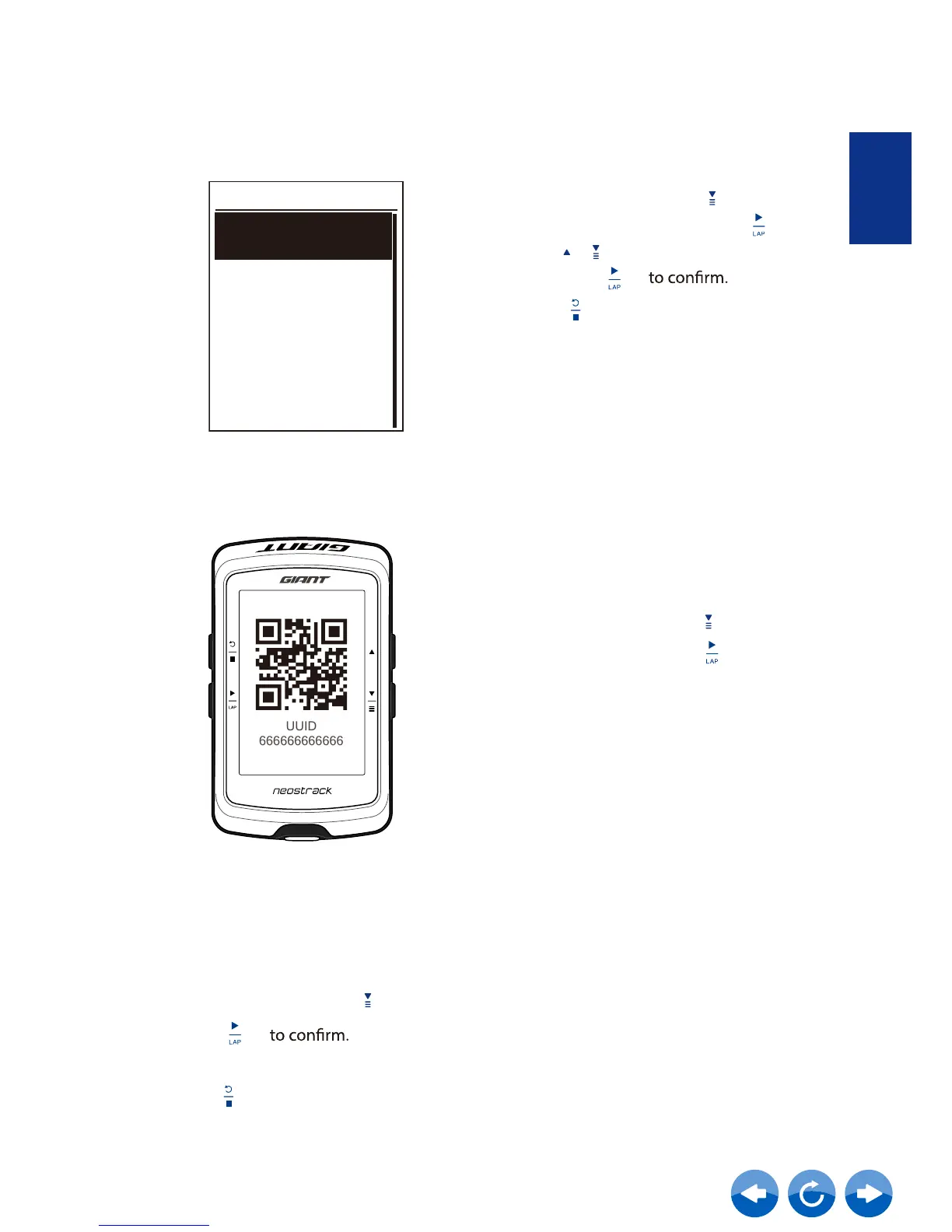
UUID
View Software Version
1. In the Setup menu, press to select
System > UUID and press .
2. QR Code for pairing Neostrack APP.
You can view your device current software version.
1. In the Setup menu, press to select System > About .
2. Press
The current software version is displayed on the screen.
3. Press to exit this menu.



 To Next Page