Recording
With Data Record function, you can set your odometer and activate 1 second mode to get
more accurate data.
ENGLISH
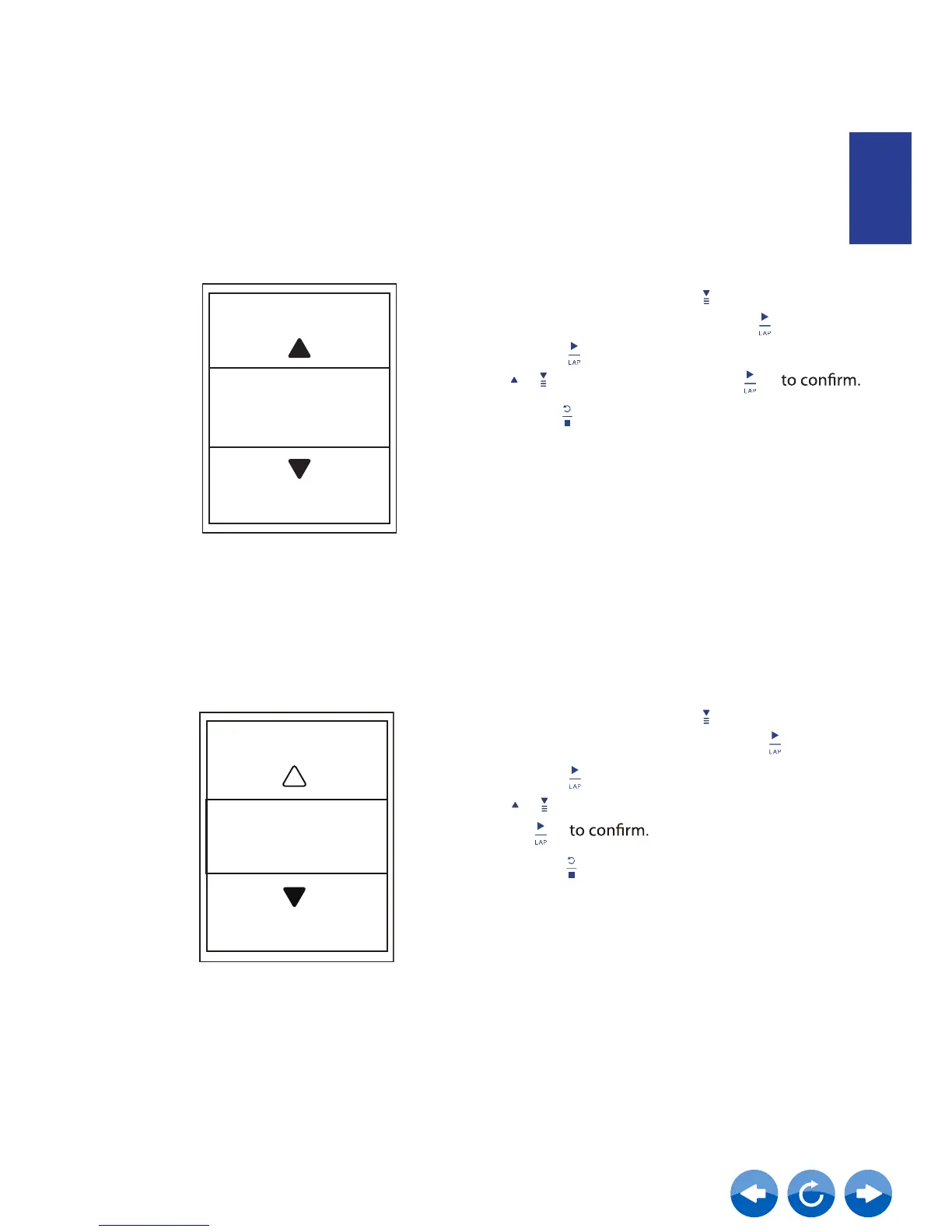
Enable 1sec Mode
1. In the Setup menu, press to select
System > Recording and press
2.
Press to enter its submenu and press
/ to select Yes, and press
3. Press to exit this menu.
Recording
1 sec mode
Enable File Saving Mode
When the feature is enabled, the device will automatically overwrite from your oldest
records when memory storage is full.
1. In the Setup menu, press to select
System > File Saving and press .
2.
Press to enter its submenu and press
to adjust the desired setting and press
/
3. Press to exit this menu.
Overwrite
On



 To Next Page