Getting Started
Accessories
Installation
This section will guide you on the basic preparations before you start using your Neostrack
ENGLISH
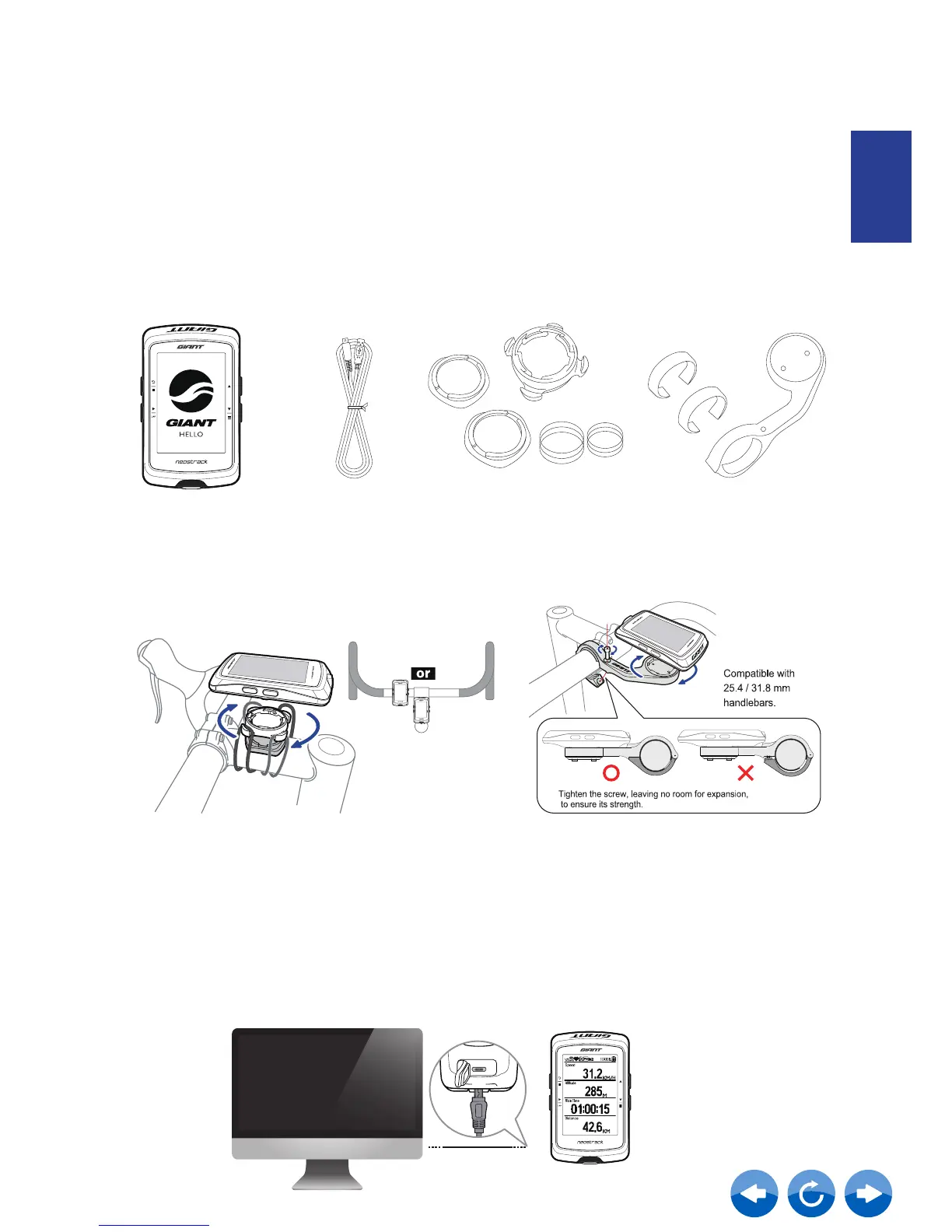
Your Neostrack computer comes with the following accessories:
• Head Unit • USB cable • Bike mount • Extension mount
Optional items:
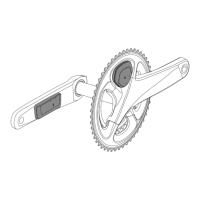
• Heart Rate Belt • Ridesense • Speed Sensor • Cadence Sensor • SPD/CAD Combo Sensor
• Power Meter
Step 1: Charging your Neostrack
Connect Neostrack to a PC or charger to charge the battery for at least 4 hours.
Unplug the device when it is fully charged.
• You may see a white screen when the battery is really low. Keep the device plugged for
several minutes, it will automatically turn-on after battery is properly charged.
• The temperature suitable for charging battery is 0
o
C ~ 40
o
C(32F - 104F). Beyond this temperature
range, charging will be terminated and the device will draw power from battery.



 To Next Page