ENGLISH
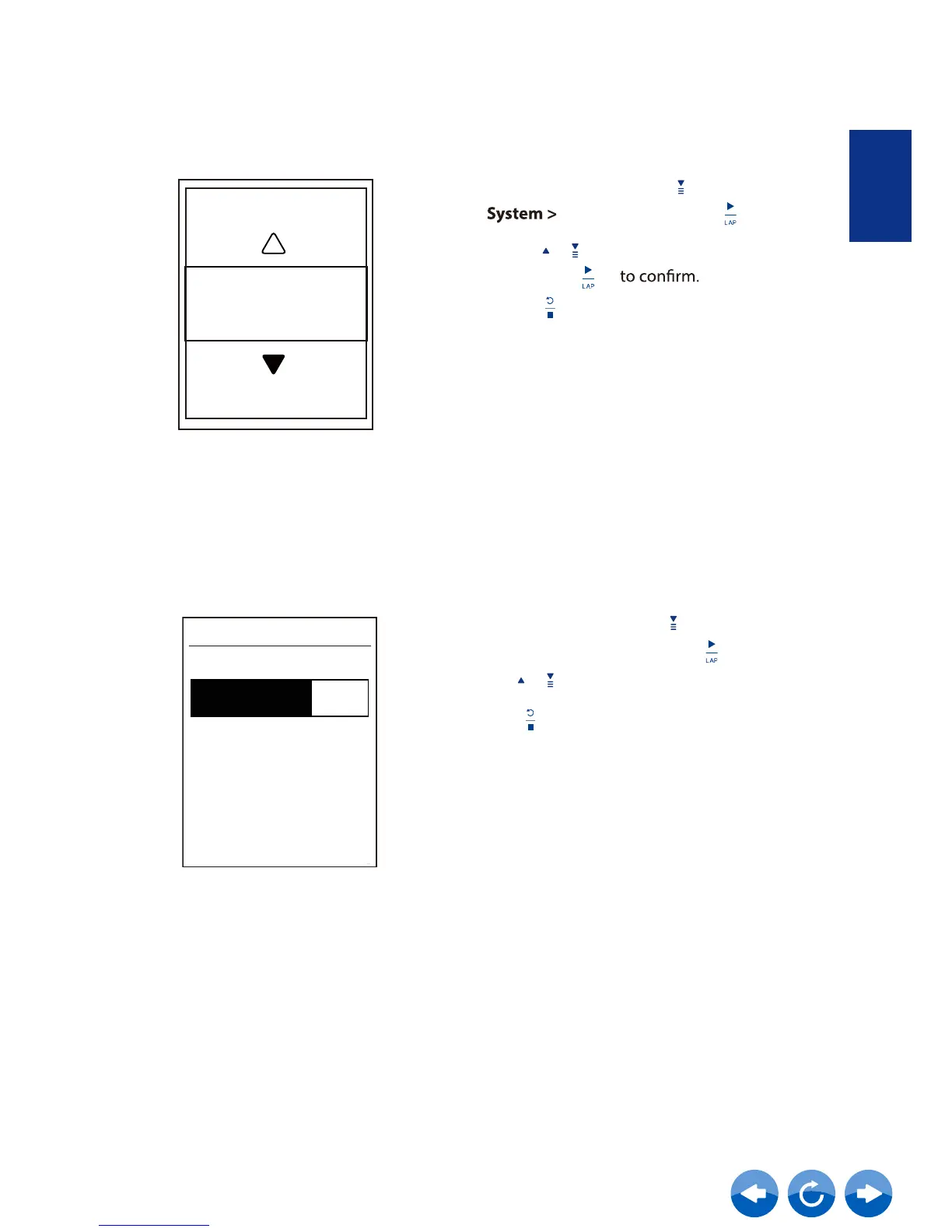
Key Tone
2. Press / to select the desired setting
and press
3. Press
to exit this menu.
Key Tone
On
1. In the Setup menu, press
to select
and press
Key Tone
Contrast
Contrast
1. In the Setup menu, press
to select
System > Contrast
and press .
2. Press / to adjust desired contrast.
3. Press to exit this menu.
You can adjust contrast on your device.



 To Next Page