Setup
With the Setup feature, you can customize riding display settings, altitude, system settings,
bluetooth, network, reminder sensor settings, bike and user data.
Riding Display
User Data
Bike Data
System
Bluetooth
Network
Setup
1. In the main menu, press to select Setup .
2. Press to enter the Setup menu.
ENGLISH
Statistic
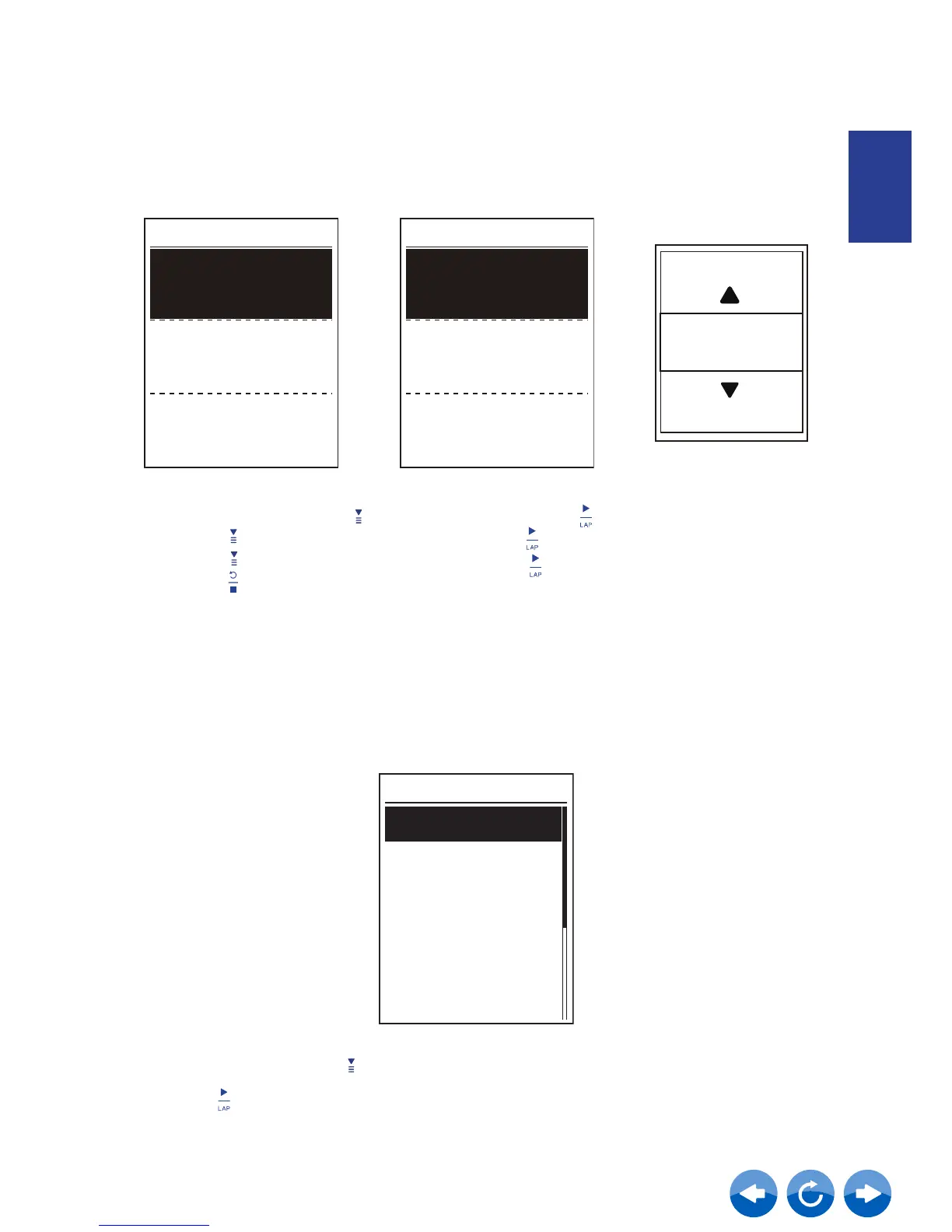
You can make adjustment of the distance and ride time of Bike 1-7.
View Statistic / Reset ODO
1. In the main menu, press to select Statistic and press
2. Press to select the desired bike and press to conrm.
3. Press to view ODO or Ride Time and press to adjust values.
4. Press to exit this menu.
Bike Select
Bike 1 Set
Bike 2
PROPEL
TCR
Bike 1
ODO
Ride Time
1950km
60hr
1950
ODO
KM



 To Next Page