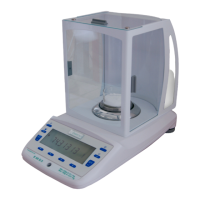
Semi-micro balance Mod. E50S/3
Page 19 of 38
6.5.1 Activating the application menu
Press «ESC» after the start-up procedure has ended in order to access the application menu.
6.5.2 Selecting an application program
Determine paper weight (in g/cm2)
Add weighing results with intermediate tare
Add weighing results without intermediate tare
...
etc.
Other functions available.
Refer to the Application Operating Instructions for the description
In this function-field, select the desired application program.
If an application program is selected in the “SET APP.” menu, then only those sub-menus, which contain
functions and parameters necessary to define the chosen application program are shown in the “SETUP
APPLICATION” menu.
NOTE
Refer to the Application Operating Instructions for a description of applications that are not
described in these Operating Instructions.


 To Next Page