micro balance Mod. E50S/3
Page 22 of 38
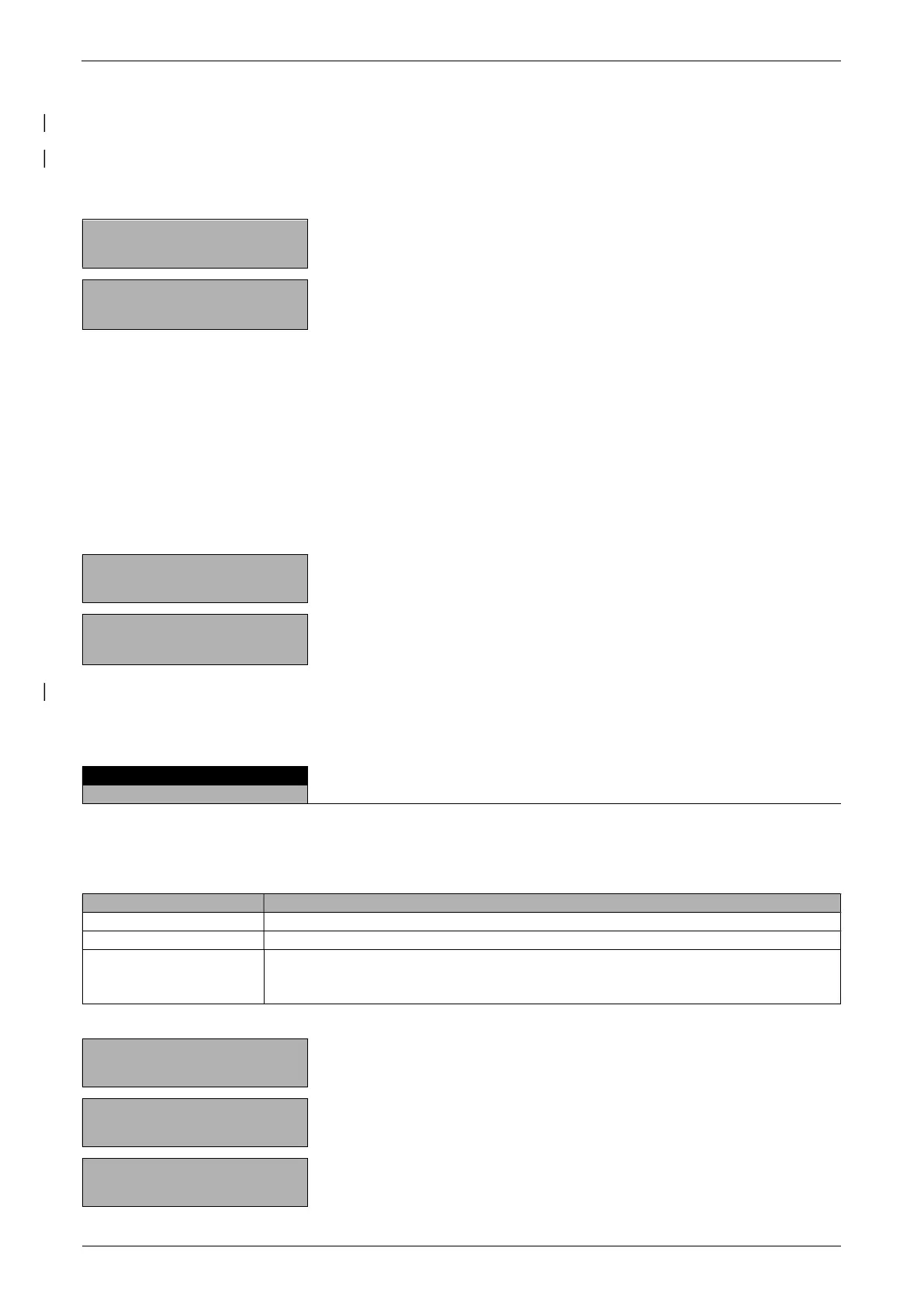
In the program operation, the previously defined names of the keys appear over the function keys.
After pressing a function key, the current measurement is converted in accordance with the factor assigned
and the result shown or printed out after pressing the Print key.
Thus, for example, you can convert and display the weights of sample materials of known size directly into
“gram per cubic metre”.
+ 13,4560 g
«»
Press until “CALCULATOR” appears.
+ 18,166 g/m
NAME 1 NAME 2 NAME 3 NAME 4
«»«»
«»«»
The measurement is recalculated accordingly.
The calculated measurement is printed with the set printer text by pressing the «PRINT» key.
7.5 Paper
The setting up of the “PAPER” program is similar to that for the calculator. (see chapter 7.4 "Calculator")
With the aid of this program you can convert and display the weights of paper samples of standard sizes
directly in “gram per square metre”.
The standard variables 100 cm², 20x25 cm, A4 and 40x25 cm are set as defaults and are assigned to the
function keys.
+ 3,4770 g
«»
Hold down until “PAPER” appears.
+ 55,6390 gm2
«»«»
«»«»
The measurement is recalculated accordingly.
The calculated measurement is printed with the set printer text by pressing the «PRINT» key.
7.6 Net-Total
There is no Setup menu for this application.
With the aid of the “NET TOTAL” program you can add individual weighing results, where the balance is
tared to zero again before each individual weighing procedure.
Assignment of the function keys:
«
»
Take stable value and add to the sum of the components
«
»
Reset
«INF» Change to display the total weight (“TOTAL”), residual capacity (“RES. CAP.”),
individual values and again back to the normal display.
Press «
» to exit the INF display.
+ 3,4770 g
«»
Press until “NET-TOTAL” appears.
+ 3,4770 g
«»
Store the stable weight applyed and add it to the sum of
the components; the balance is tared.
+ 0,0000 g
«»
Add further weights.


 To Next Page