Semi-micro balance Mod. E50S/3
Page 23 of 38
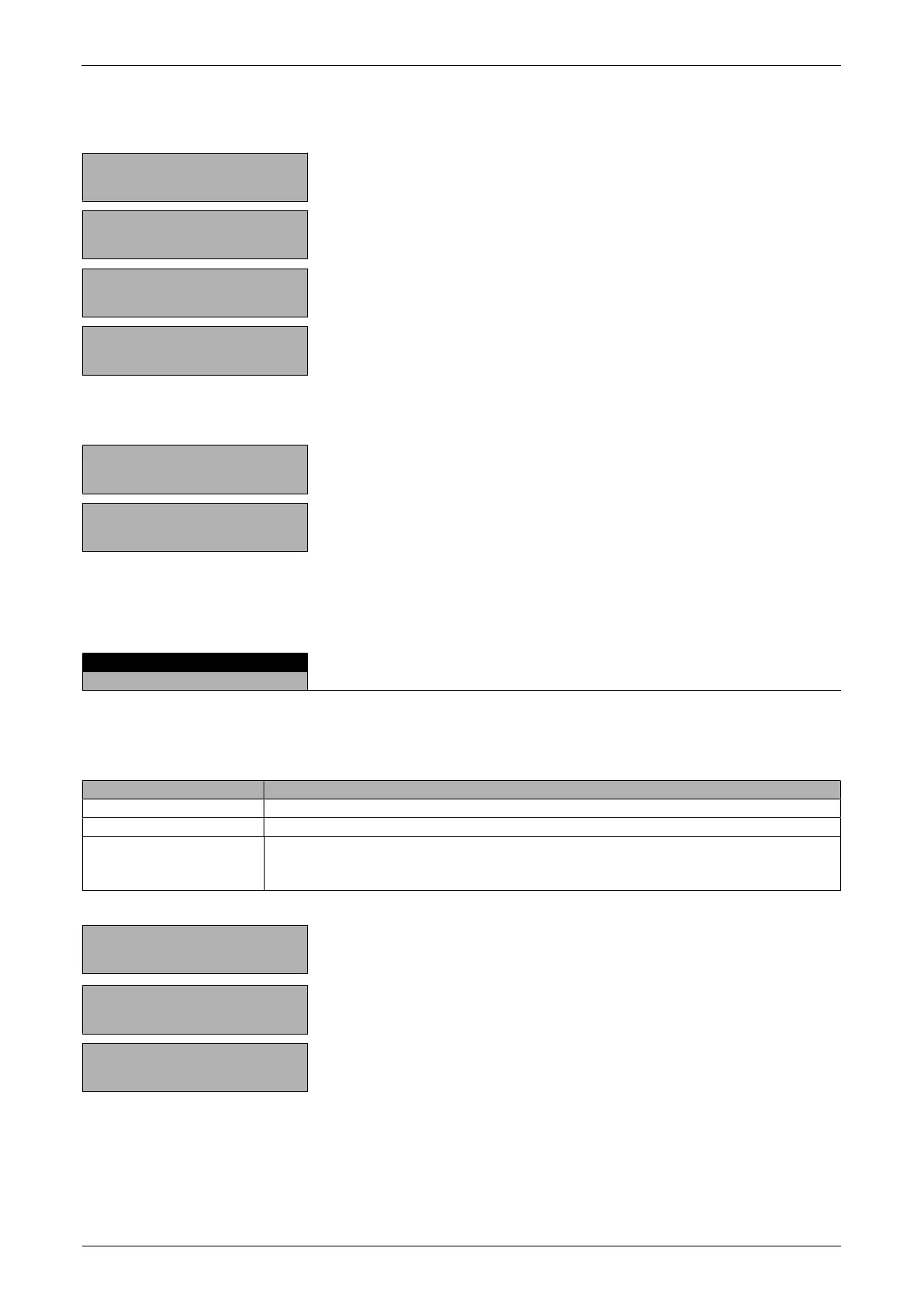
Retrieve the parameters:
+ 0,0000 g
«»
Show the info display.
Display the total of the added components.
+ 0,0000 g
«»
Display the remaining capacity.
+ 0,0000 g
«»
Display the individual components.
+ 0,0000 g
«esc»
Exit the info display.
Clear the measurements:
+ 0,0000 g
«»
Hold down the key until the acustic signal sounds and the
component counter is reset.
+ 0,0000 g
Measurements cleared, balance is ready for a new
measurement.
A measurement log is printed by pressing the «PRINT» key.
7.7 Sum
There is no Setup menu for this application.
With the aid of the “SUM” program, you can add individual weighing, without the balance being tared to
zero before each individual weighing.
Assignment of the function keys:
«
»
Take stable value and add to the sum of the components
«
»
Reset
«INF» Change to display the total weight (“TOTAL”), residual capacity (“RES. CAP.”),
individual values and again back to the normal display.
Press «
» to exit the INF display.
+ 3,4770 g
«»
Press until “SUM” appears.
+ 3,4770 g
«»
Store the stable value and add it to the sum of the
components.
+ 8,58962 g
«»
Add further weights.


 To Next Page