Semi-micro balance Mod. E50S/3
Page 21 of 38
+ 12.1596 g
«»
Press until “COUNT” appears.
+ 25 PCS
«»
The weight is recalculated in pieces (PCS) and displayed.
The reference quantity is set.
The quantity shown is printed by pressing the «PRINT» key.
7.3 Percent
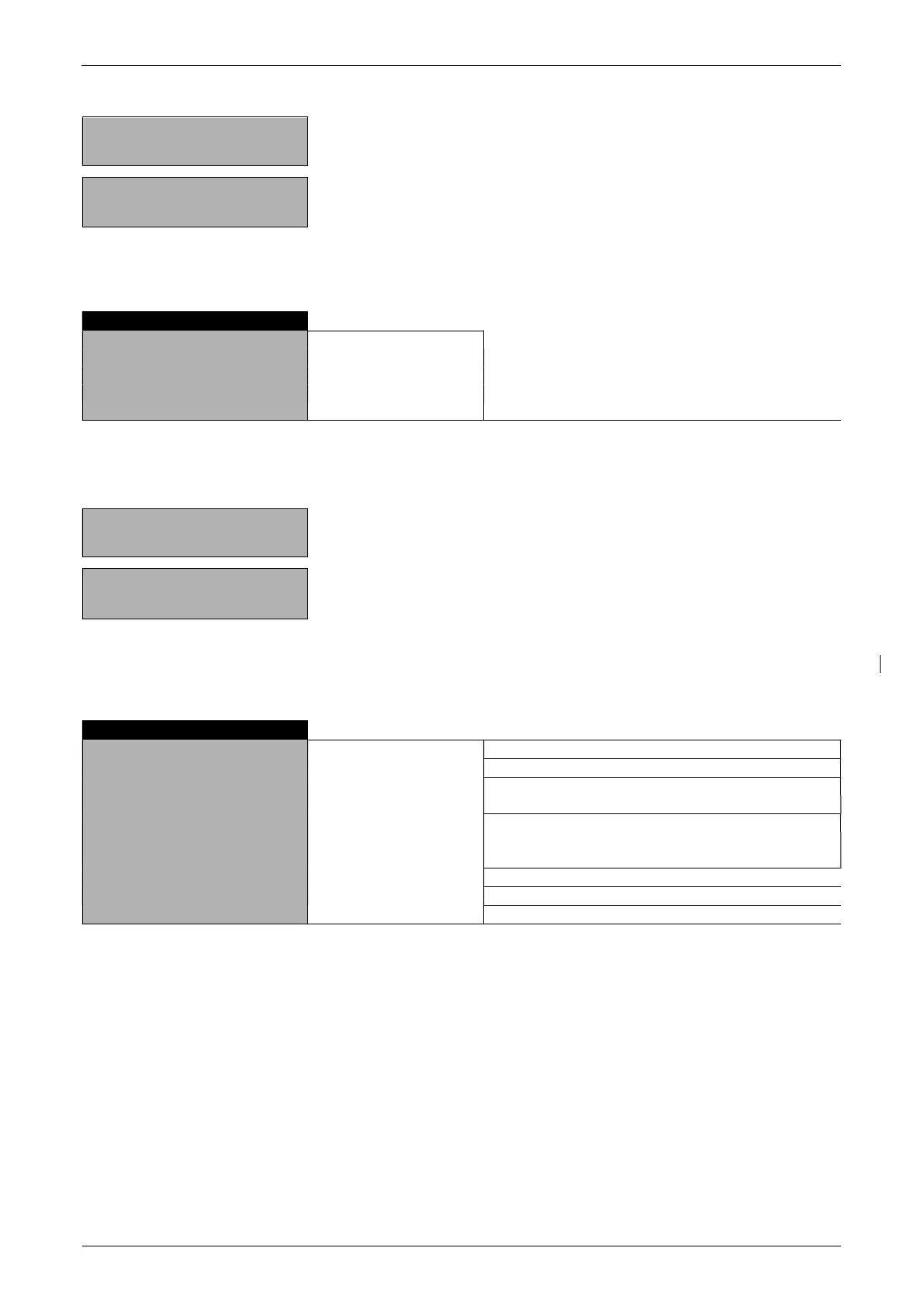
DECIMALS AUTO
Enter number of decimal places.
The number of places that can be selected after
the decimal point depends on the balance model.
0
1
2
etc.
With the aid of the “PERCENT” program you can display and print out the weight of different measurements
as a percentage of a previously defined reference weight.
+ 13,4560 g
«»
Press until “PERCENT” appears.
+ 100,000 %
«»
Place the reference weight on the balance to set the
reference weight equal to 100%.
All subsequent measurements will now be shown as percentages of the reference weight so defined.
The percentage shown is printed by pressing the «PRINT» key.
7.4 Calculator
SET KEY-1
NAME
nnnnn
FACTOR
n.nnn e+n
MODE
F * WEIGHT
F / WEIGHT
DECIMALS
n
DISPLAY-TEXT
nnn
PRINTER-TEXT
nnnnnnnn
SET KEY-2
SET KEY-3
SET KEY-4
When the “CALCULATOR” application is activated, each of the four function keys is assigned a calculation
method with the following settings.
“NAME”
Function key name, max. 5 characters.
“FACTOR”
Factor by which the weight is to be offset.
“MODE”
Multiplication of the factor by the weight or division of the factor by the weight.
“DECIMALS”
Definition of number of decimal places are to be shown in the result.
“DISPLAY TEXT”
Unit shown in the display, max. 3 characters.
“PRINTER TEXT”
Unit being printed, max. 8 characters.


 To Next Page