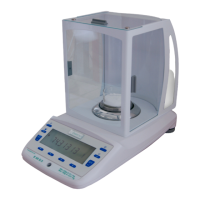
micro balance Mod. E50S/3
Page 34 of 38
12.3.1 External calibration by means of ICM
Depending on the type of balance, calibration weights in steps of 10 g, 50 g, 100 g and 500 g can be used,
where the calibration weight must correspond to the precision of the balance.
For an external calibration by means of ICM, “SET CALIBRATION MODE EXTERNAL” must be selected in
the Configuration menu. (see chapter 6.3.5 "Calibration functions")
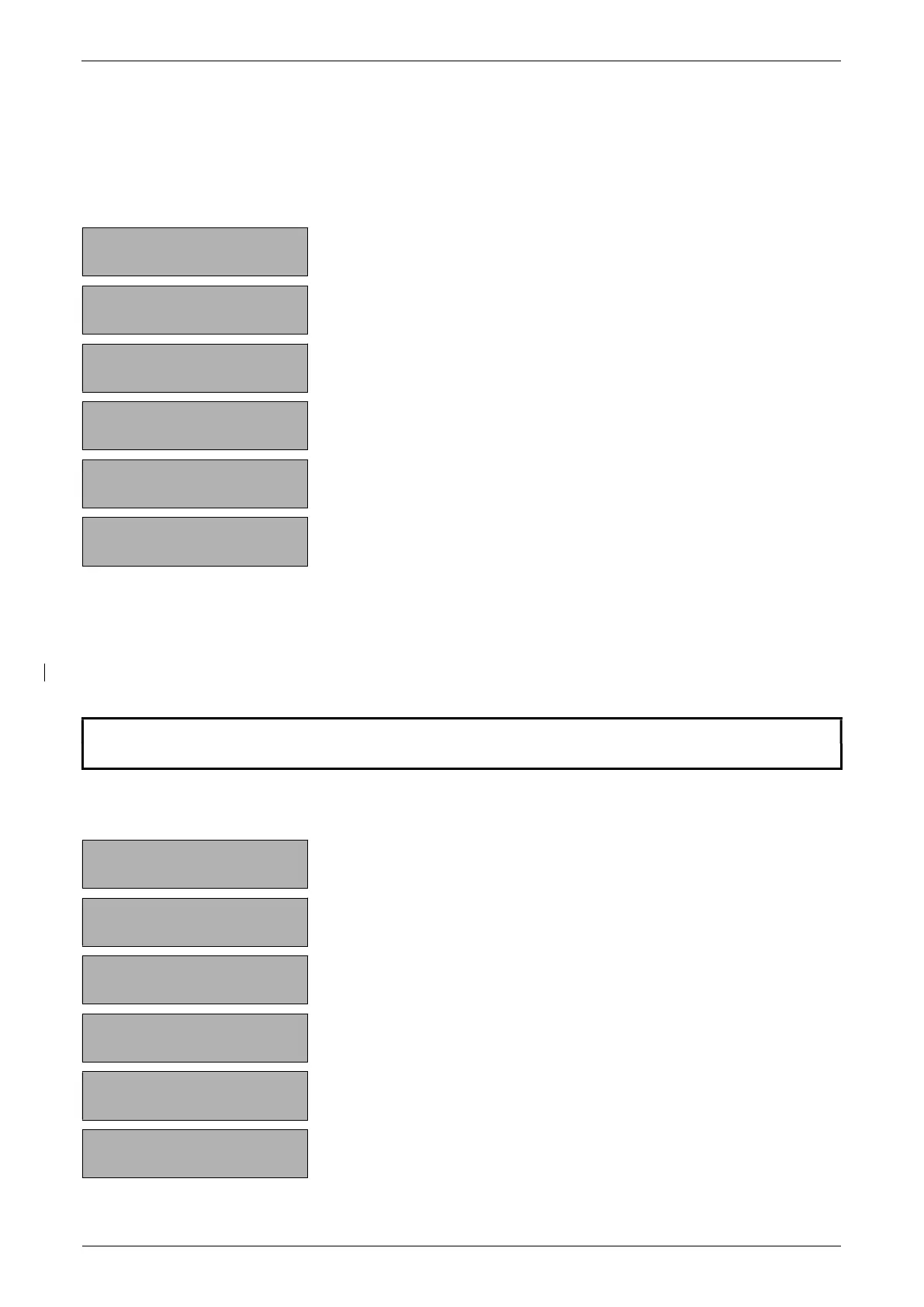
+ 0,0000 g
The balance is in Weighing mode.
+ 0,0000 g
«T»
Press until “CALIBRATION” apears.
- - 0000 g
The balance carries out a Zero measurement “0000 g” is
shown flashing.
- - 100 g
After the zero measurement the display flashes with the
recommended calibration weight.
- - 100 g
Place the calibration weight on the weighing pan.
The display continuos to flash
+100,0000 g
Calibration is complete when the display stops flashing.
12.3.2 External calibration with freely selectable weight
For external calibration with user-definable weight, “SET CALIBRATION MODE EXT. -DEF.” must be
selected in the Configuration menu. (see chapter 6.3.5 "Calibration functions")
Then, the effective value of the calibration weight (DEF. n.nnn g) must be entered with up to tenfold precision
compared with the balance.
NOTE
If calibration is carried out with the free weight, then only this weight may be used.
Then proceed as follows:
+ 0,0000 g
The balance is in Weighing mode.
+ 0,0000 g
«T»
Press until “CALIBRATION” apears.
- - 0000 g
The balance carries out a Zero measurement “0000 g” is
shown flashing.
- - 112 g
After the zero measurement the display flashes with the
previously entered calibration weight.
- - 112 g
Place the calibration weight.
The display continuos to flash.
+ 112,0025 g
Calibration is complete when the display stops flashing.


 To Next Page