Gigaset IP BASE / SBG IE-UK-International en / A31008-M3037-S301-1-X119 / operating_SBG.fm / 3/12/24
Template Module, Version 2.2, 15.11.2022 / Version - 07.07.2020
Getting to know your telephone
13
Wizards
Wizards go step by step through the configuration of important phone components. The
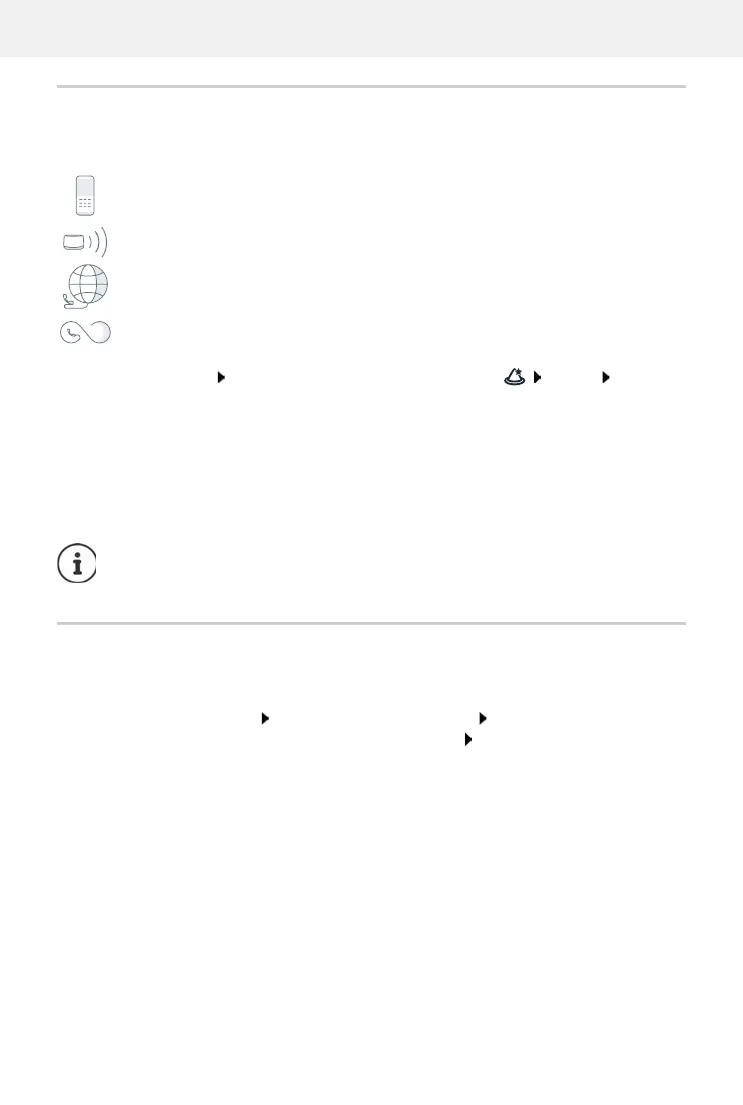
following wizards are available:
Open web interface at the bottom of the navigation bar, click Wizard select
wizard
The wizard carries out the necessary steps.
Hardware reset
Reset the device to factory settings if the web user interface is not longer accessible (e.g. if the
password is no longer known):
Unplug the power adapter Press and hold the paging key Plug the power adapter back
in . . . The LED starts flashing red after approx. 10 seconds Release the paging key . . . The
device restarts and all settings are restored to default settings
DECT device Registering a DECT handset on the phone
DECT repeater Setting up a DECT repeater to extend the range
SIP Connection Setting up telephony connections
Call divert rule Defining call diverts
Next to the next step
Back back to the last step without transferring the settings
Cancel cancel wizard
Finish complete wizard, transfer settings
Wizards are opened automatically for the relevant configuration activities.



 To Next Page