Template Module, Version 2.2, 15.11.2022 / Version - 07.07.2020
Base
Gigaset IP BASE / SBG IE-UK-International en / A31008-M3037-S301-1-X119 / overview_SBG.fm / 3/12/24
4
Overview
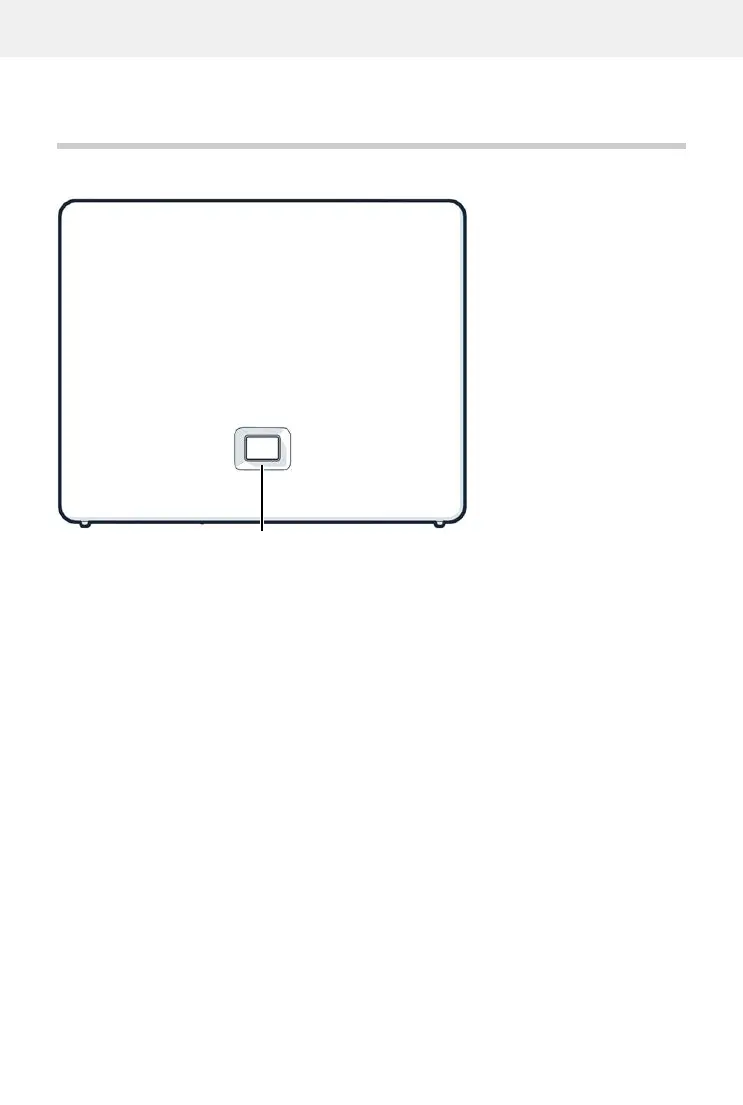
Base
A Registration/paging key
Locate a handset (paging):
Press briefly (< 1 sec.)
The IP address for the telephone appears in the handset
display.
Register the handset:
Press and hold (1 – 5 sec.)
Resetting the device to factory
settings:
Press and hold, with the power plug inserted, and wait
for 10 seconds till the key lights up red.
Steady green: System ready for use
Flashing green: Device in DECT registration mode or connecting to
Gigaset Cloud
Steady amber: New firmware available
Steady red: No network connection, device not ready for use
Flashing red (slow): No connection to Gigaset Cloud
Flashing red (quickly): Device is being reset



 To Next Page