Gigaset IP BASE / SBG IE-UK-International en / A31008-M3037-S301-1-X119 / diagnose.fm / 3/12/24
Template Module, Version 2.2, 15.11.2022 / Version - 07.07.2020
Support
55
On the web interface
Settings Service Diagnostics PCAP logging
Automatic restart
To limit the size of the system logs, you can regularly initiate an automatic restart. The system
logs are then reset. When restarting, the old logs are archived up to a certain size/number.
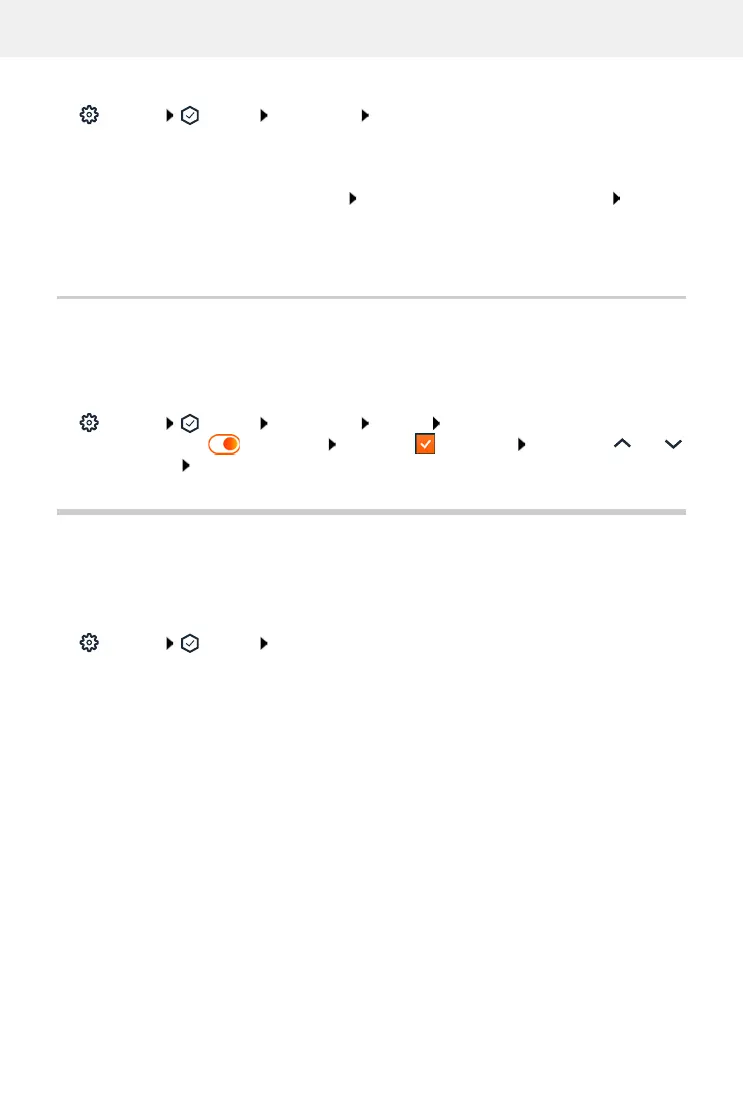
On the web interface
Settings Service Diagnostics Reboot activate/deactivate automatic
restart with switch ( = activated) select day ( = selected) use buttons and
to set the time Save
Support
The Support screen contains important links, information on the software licences used as well
as data protection.
On the web interface
Settings Service Support
Links to the Gigaset Service Portal, to the user guides and to the Wiki:
Customer support
Show Open Source licences used in the software:
Software licenses
Show information on data protection:
Data protection and Information security
To start a recording:
click Start
To end a recording:
click Stop
To save a recording:
Download select save location in the file system Save ...
the information is stored as a ZIP file
Default setting for file name:
pcap_normal_homeip_<timestamp>_decrypted.zip



 To Next Page