Template Module, Version 2.2, 15.11.2022 / Version - 07.07.2020
Tools for diagnostics
Gigaset IP BASE / SBG IE-UK-International en / A31008-M3037-S301-1-X119 / diagnose.fm / 3/12/24
54
Tools for diagnostics
System logs
Uploading phone system logs to PC
During operation, the phone saves information on selected phone processes (events, configura-
tion changes, errors) in system logs (SysLog). You can upload these to a PC for further use by
service personnel.
On the web interface
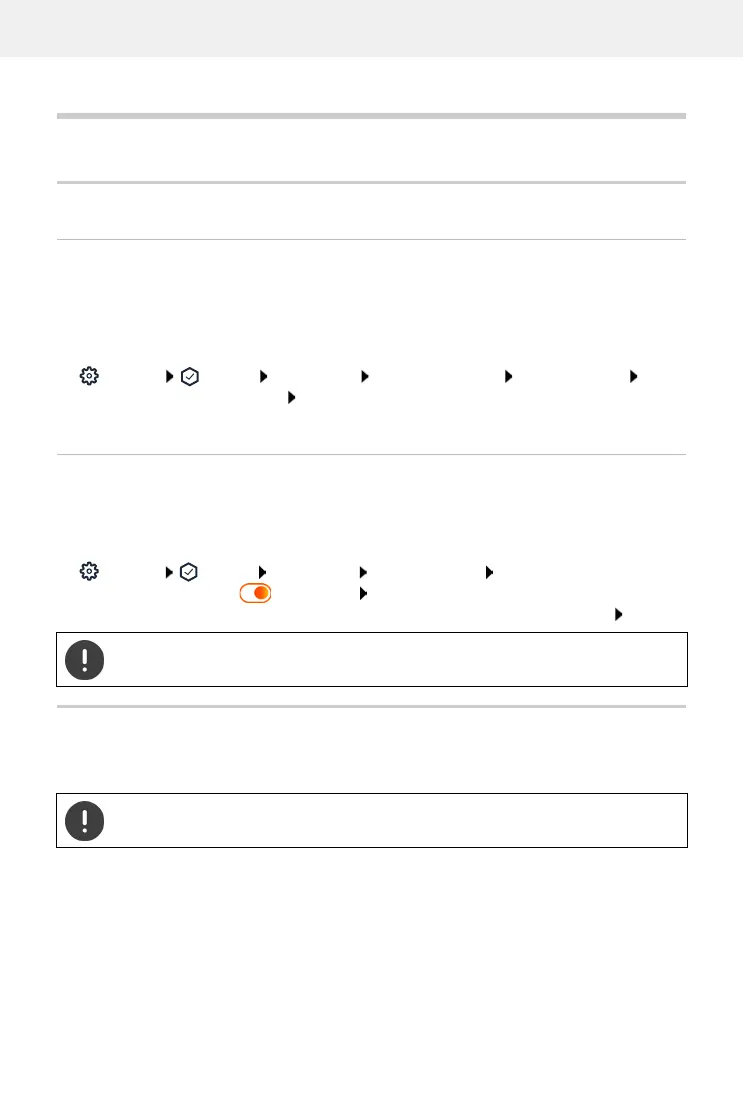
Settings Service Diagnostics Download all logs click Save to PC select
save location in the file system Save . . . the information is stored as a ZIP file
Default setting for file name: diagnostic_data_homeip_<timestamp>.zip
System logging with setting Remote Syslog
The information collected in the system logs can be sent to a SysLog server. When the function
is enabled, the system logs are continuously transmitted to the SysLog server.
On the web interface
Settings Service Diagnostics System logging Activate/deactivate Remote
SysLog with the switch ( = activated) enter the complete URL of the SysLog server
followed by the port number in the text field (e.g. www.mysyslogserver.net:514) Save
PCAP log files
PCAP (Packet Capture) is a program that allows you to record system activities over a certain
period of time for diagnostic purposes.
System logs may also contain personal data, suchas the IP address.
In the case of unencrypted SIP lines, the voice data may also be present in the PCAP
records.



 To Next Page