Gigaset IP BASE / SBG IE-UK-International en / A31008-M3037-S301-1-X119 / means-of-representation_SBG.fm / 3/12/24
Template Module, Version 2.2, 15.11.2022 / Version - 07.07.2020
Symbols in the user guide
5
Symbols in the user guide
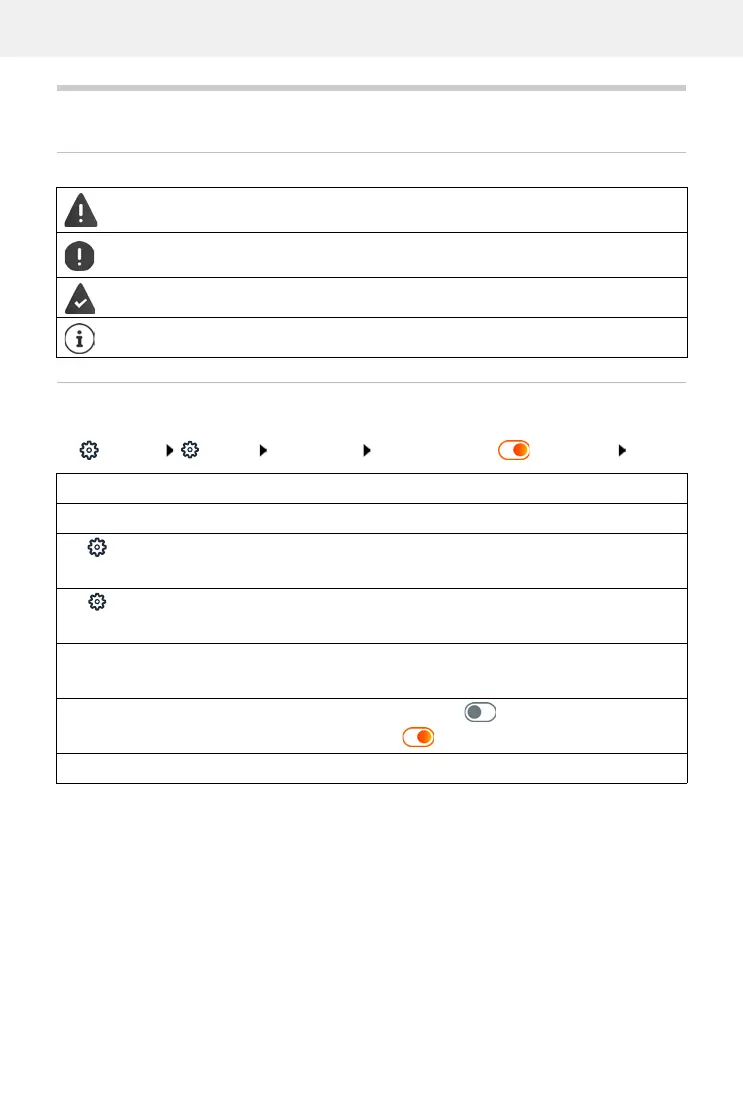
Icons
Procedures for web interface
Example: Enable 24-hour time format
Settings System Date & Time 24h Time Format (=activated) Save
Warnings, which, if not observed, can result in damage to devices or to personal
injury.
Important information regarding function and appropriate handling or functions
that could generate costs.
Prerequisite for carrying out the following action.
Additional helpful information.
Step Actions required
Open the web interface
Settings At the bottom of the navigation area, click Settings.
The settings menu is opened in the navigation area.
System In the settings menu, click System.
The System submenu is opened.
Date & Time In the submenu System, click Date & Time.
The time settings are displayed.
24h Time Format Next to 24h Time Format, click the switch.
The function is activated ( = activated)
Save Click the Save button.



 To Next Page