Template Module, Version 2.2, 15.11.2022 / Version - 07.07.2020
Settings for directories
Gigaset IP BASE / SBG IE-UK-International en / A31008-M3037-S301-1-X119 / directories_SBG.fm / 3/12/24
26
Settings for directories
Change sort order
Directory entries can be sorted by first name or surname.
On the web interface
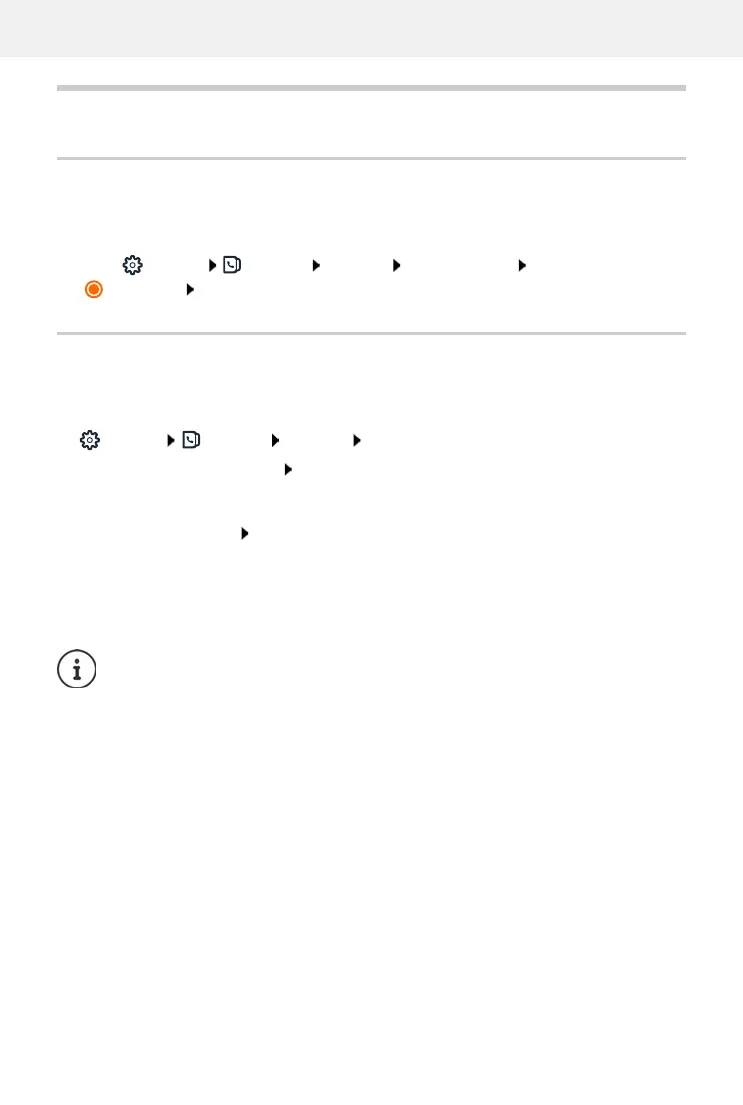
Select Settings Contacts Contacts Contact sorting First name or Surname
(=selected) Save
Saving/importing a directory
Saving contacts as a JSON file or importing from a JSON file.
On the web interface
Settings Contacts Contacts in the area Central contacts
During the import,
• contacts with identical first names and surnames are overwritten. If only one name is iden-
tical, a new contact is created.
• Number added.
Save:
Save contacts in the system dialog box for file selection, select the storage
location where the directory is to be stored, change the file name if neces-
sary
Import:
Browse select the previously saved directory in the computer file system
Contacts without numbers are not imported.



 To Next Page