Gigaset IP BASE / SBG IE-UK-International en / A31008-M3037-S301-1-X119 / directories_SBG.fm / 3/12/24
Template Module, Version 2.2, 15.11.2022 / Version - 07.07.2020
Contacts in the web interface
25
Create new contact
An entry contains: First name and/or surname and a maximum of three numbers.
Select number type (Home / Mobile / Office) enter number
Enter additional numbers:
Add number . . . an additional entry field for a number is inserted select number type
enter number
Save
Edit contact information
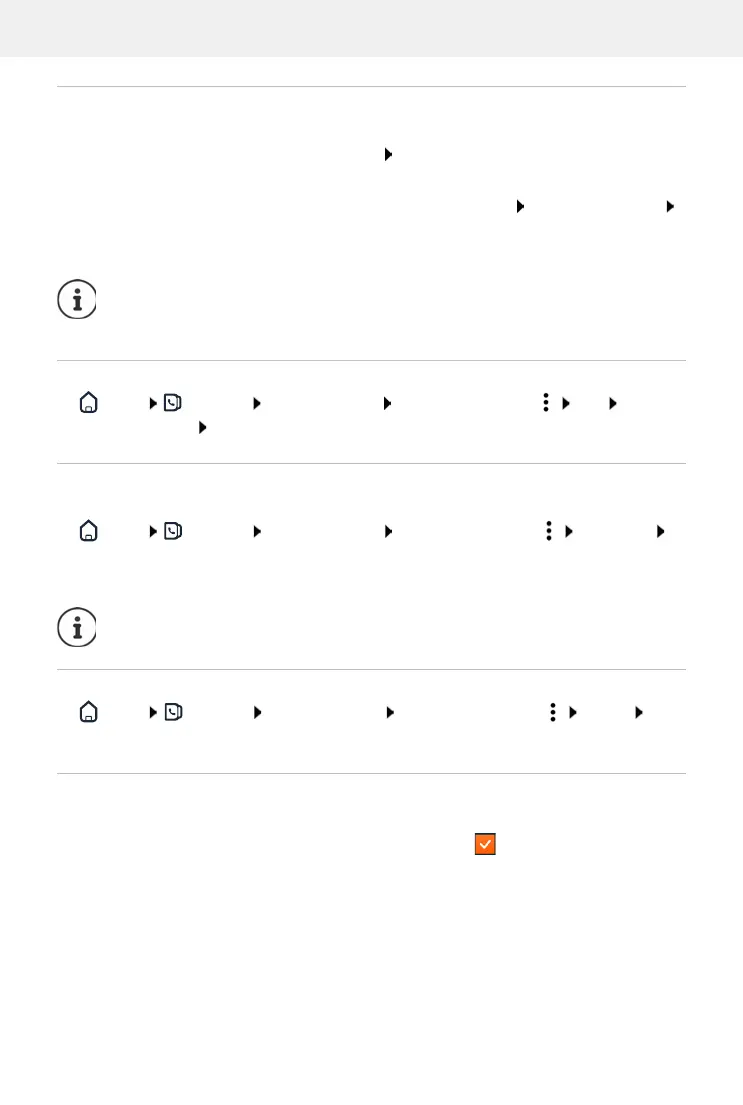
Home Contacts Central contacts next to the entry, tap Edit make the
required settings Save
Download contact
Download contacts in JSON format and save to a computer:
Home Contacts Central contacts next to the entry, tap Download in
the system dialog box for file selection, select the storage location where the directory is to
be stored, change the file name if necessary
Deleting a contact
Home Contacts Central contacts next to the entry, tap Delete
confirm deletion with Ok
Multiple selection with download, delete
Simultaneously download or delete multiple or all contacts:
Click function Download or Delete in the header row
You must enter at least one phone number.
If an entry does not include a name, the first number entered is stored and displayed
as the name instead.
Contacts saved as a JSON file can be imported into the directories in the Settings
menu.
Multiple:
select the box to the left of the contacts ( = selected)
All:
with arrow in the table header Select all
All on the screen:
with arrow in the table header Select whole page



 To Next Page