Gigaset IP BASE / SBG IE-UK-International en / A31008-M3037-S301-1-X119 / settings_WebUI.fm / 3/12/24
Template Module, Version 2.2, 15.11.2022 / Version - 07.07.2020
Making/receiving calls
39
Making/receiving calls
Managing telephony devices
Telephony devices are DECT handsets or DECT repeaters.
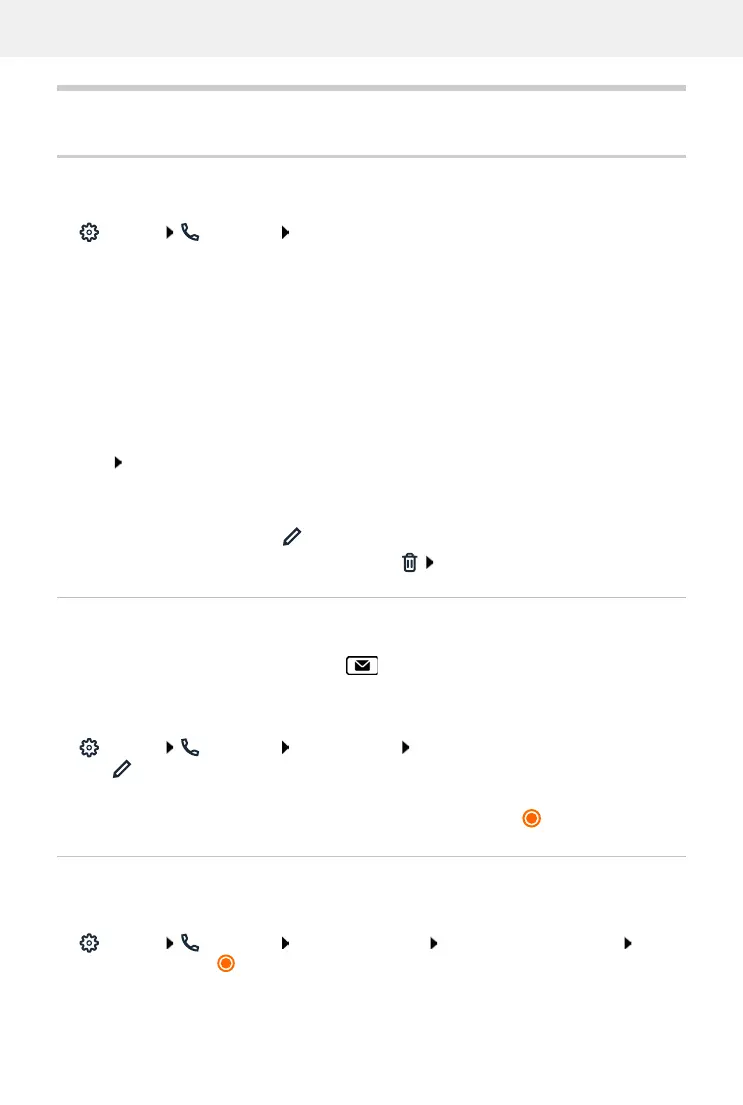
Settings Telephony Phone devices ... the areas DECT handsets and DECT
Repeater display the registered telephony devices with the following information:
Add device:
Add select device type ( DECT handset) . . . the corresponding wizard is started.
The other configuration depends on the selected device type. The device wizard conducts all
other steps. Follow the instructions displayed.
Set Message configuration (MWI)
(MWI = Message Waiting Indicator)
If the function is activated, the message key flashes when a new voice message is received.
Define for which answering machine new incoming voice messages are signalled via the
message key. You configure this setting for DECT handsets. Only one answering machine can be
configured for MWI at a time.
Settings Telephony Phone devices next to the entry for a DECT handset,
click ... under Message configuration (MWI), the local and network answering machines
set up are listed
If necessary, select a different answering machine or No selection ( = selected)
Setting the default phone device
The default phone device is used when you initiate a call from the web user interface, e.g. the
overview page, from the directory or from the call list.
Settings Telephony Advanced settings Default telephony device Select
the required device ( = selected)
Name Internal name of the device. The name of your own device is set up during
commissioning and displayed in the header row of the idle display.
Internal No. Internal number of the device
Outgoing No. Number for outgoing calls
Incoming No. Number(s) for incoming calls
Firmware Version of the firmware currently installed on the device, if known
Edit device:
click next to the entry
Delete device:
next to the entry, click confirm prompt with Ye s



 To Next Page