Template Module, Version 2.2, 15.11.2022 / Version - 07.07.2020
Call diverts
Gigaset IP BASE / SBG IE-UK-International en / A31008-M3037-S301-1-X119 / telephony_SBG.fm / 3/12/24
18
Call diverts
Incoming calls are forwarded to another connection. You can set up call diverts for devices and
connections.
In addition, you can set up higher-level call divert rules that apply to multiple devices and
connections and at specific times, for example, that all incoming calls for a line are diverted to
another connection from 6 pm onwards.
A call divert for a connection applies to all devices to which this connection is assigned as an
incoming connection.
The following call diverts are available:
Editing call diverts on the web interface
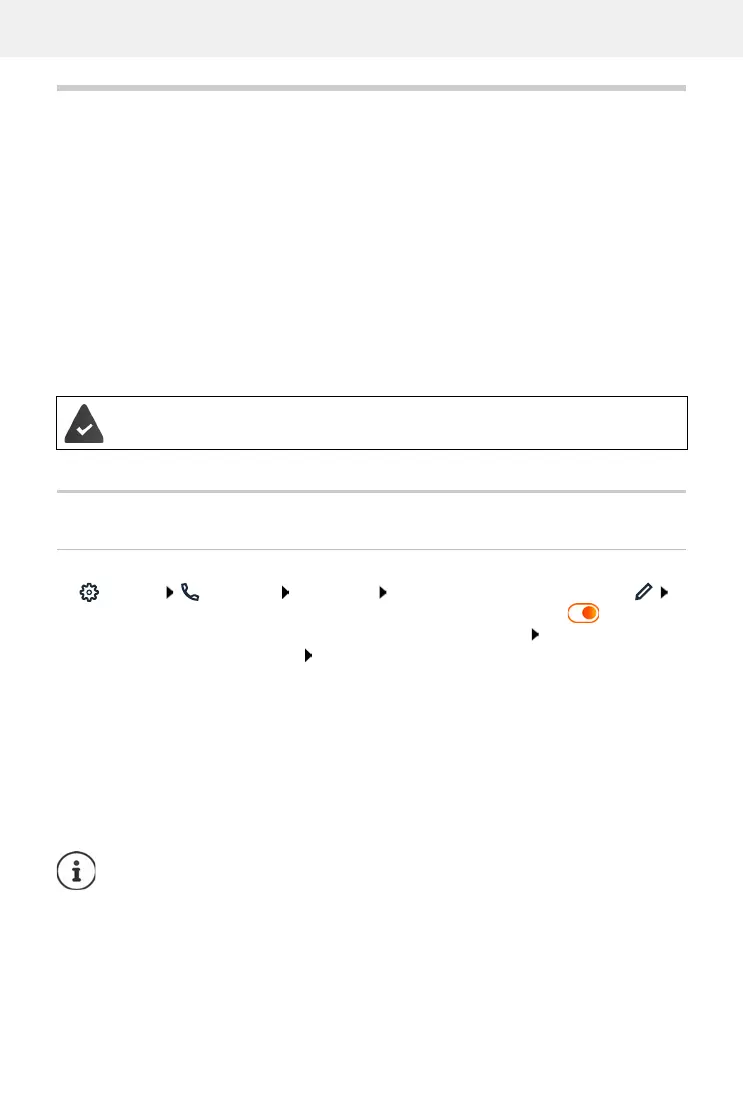
Setting up call diverts
Settings Telephony Call diverts next to a device or connection, click
required divert (Always / On Busy / When no answer) activate with switch ( = activated)
... in the list Target corresponding divert destinations are provided select destination
(Phone number / DECT handset) enter number depending on the selected destination or
select from the list
When no answer: The call is diverted to the specified number if it is not picked up within the
time period entered in Delay.
Select time period from the selection list Delay
Save the settings:
Save . . . the call divert is listed in the web interface on the Settings – Telephony – Call
diverts screen
Always Calls are diverted immediately.
When busy Calls are diverted if the line is busy.
If no answer Calls are diverted if no-one picks up after a defined time period.
If you need an individual announcement for call divert, you must record it before-
hand. Otherwise, a standard message is used.
Call diverts for connections are shown on the display for the relevant handsets if the
handset support this function.



 To Next Page