Gigaset IP BASE / SBG IE-UK-International en / A31008-M3037-S301-1-X119 / settings_WebUI.fm / 3/12/24
Template Module, Version 2.2, 15.11.2022 / Version - 07.07.2020
System
41
System
Country
The country is preset using the system settings. The selection is used for country-specific
settings. If you are operating the device in another country, change the preset.
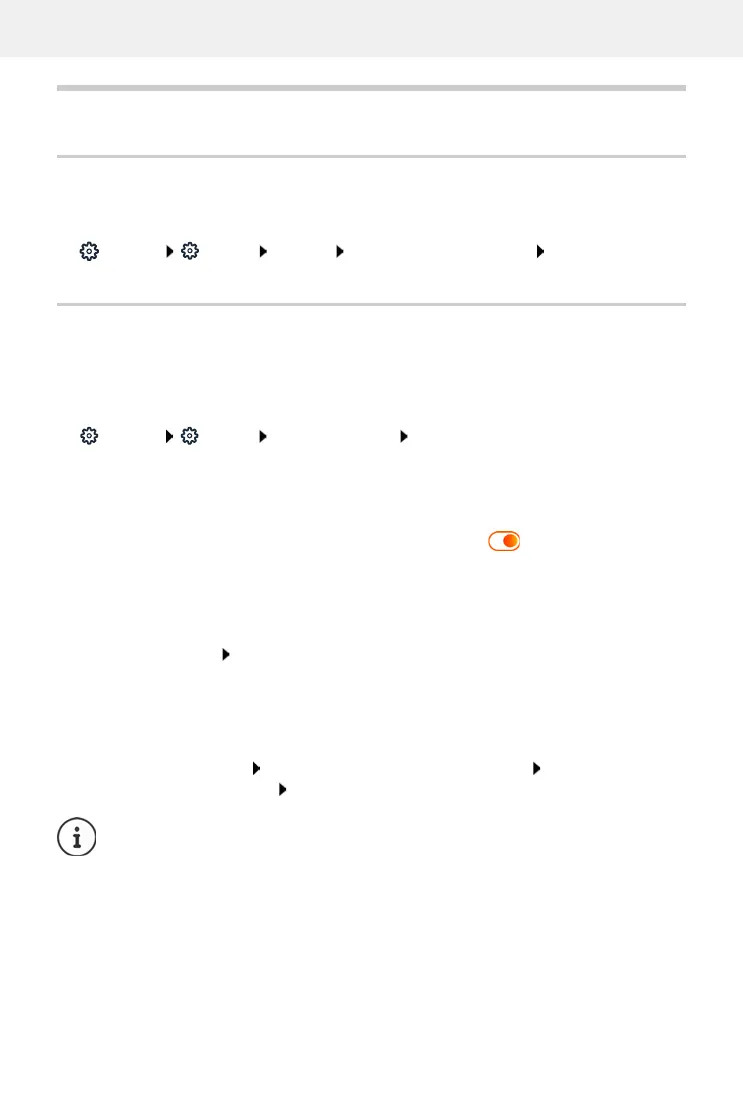
Settings System Country select the required country Save
Updating the firmware
If there is new firmware available for the phone, you will receive a message:
On the web interface: in the widget System status on the overview screen
On the web interface
Settings System Update & Restore Firmware update
Run firmware update automatically
If the Automatic firmware update option is activated, a firmware update is run automatically
when there is new firmware available.
Automatic firmware update activate/deactivate with switch ( = activated)
Run firmware update manually
The currently installed firmware version is displayed.
Click Check . . . a check is performed for more up-to-date firmware
If there is new firmware: download and install firmware update
Update firmware with file
You need a firmware file.
Drag the file from the file system into the Upload file section
or:
Click Browse file select firmware file from the file system Upload ... the file is
loaded to the phone Update . . . the update is started
The firmware update can take several minutes. The phone cannot be used during the
procedure. When the update is complete, the phone goes into idle status.



 To Next Page