Template Module, Version 2.2, 15.11.2022 / Version - 07.07.2020
Contacts in the web interface
Gigaset IP BASE / SBG IE-UK-International en / A31008-M3037-S301-1-X119 / directories_SBG.fm / 3/12/24
24
Telefonbücher
The telephone provides various directories. The directories are accessible both via the display of
the registered handsets and via the web interface.
Name resolution
For incoming calls, names are displayed instead of numbers if the number is found in a directory.
For name resolution, all configured directories are used with the following priority:
1 Local contacts
2 Central contacts
3Google contacts
4 Microsoft 365 contacts
5LDAP contacts
Contacts in the web interface
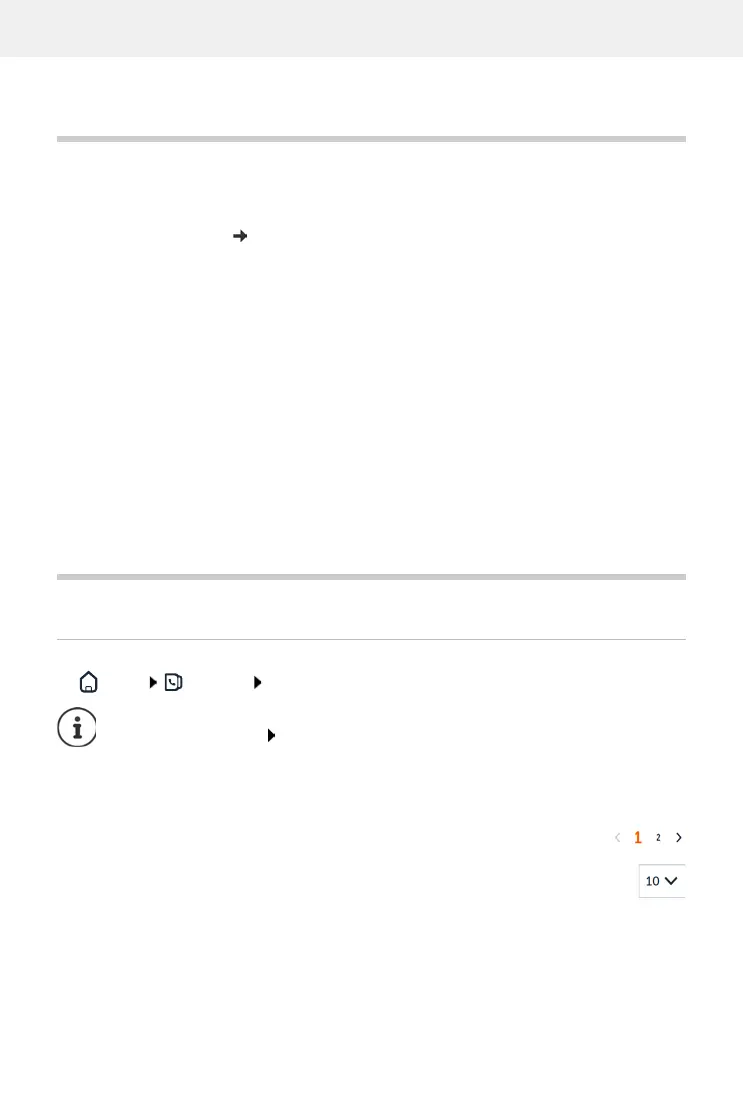
Open the directory
Home Contacts Central contacts
The first 10 contacts are displayed in a table. If there are more contacts, additional screens are
created.
Scroll through the directory:
Use the scroll element at the bottom right to switch between the screens
To change the number of contacts displayed on a screen:
Use the selection element at the bottom left to select the desired number of entries
Local directory Directory of the registered handsets. More information
user guide for your handset
central directory
(base directory)
Shared directory of the base available on all HX handsets. Can be
edited on the handsets and on the web interface.
Other directories Directories made available through other providers, such as Google
Contacts or Microsoft Office. Access to these directories must be set
up and enabled in the web interface.
The entries are sorted alphabetically by last name by default. You can change the sort
order under Settings Contacts.



 To Next Page