Gigaset IP BASE / SBG IE-UK-International en / A31008-M3037-S301-1-X119 / call_lists_SBG.fm / 3/12/24
Template Module, Version 2.2, 15.11.2022 / Version - 07.07.2020
Message Centre (MWI)
23
Message Centre (MWI)
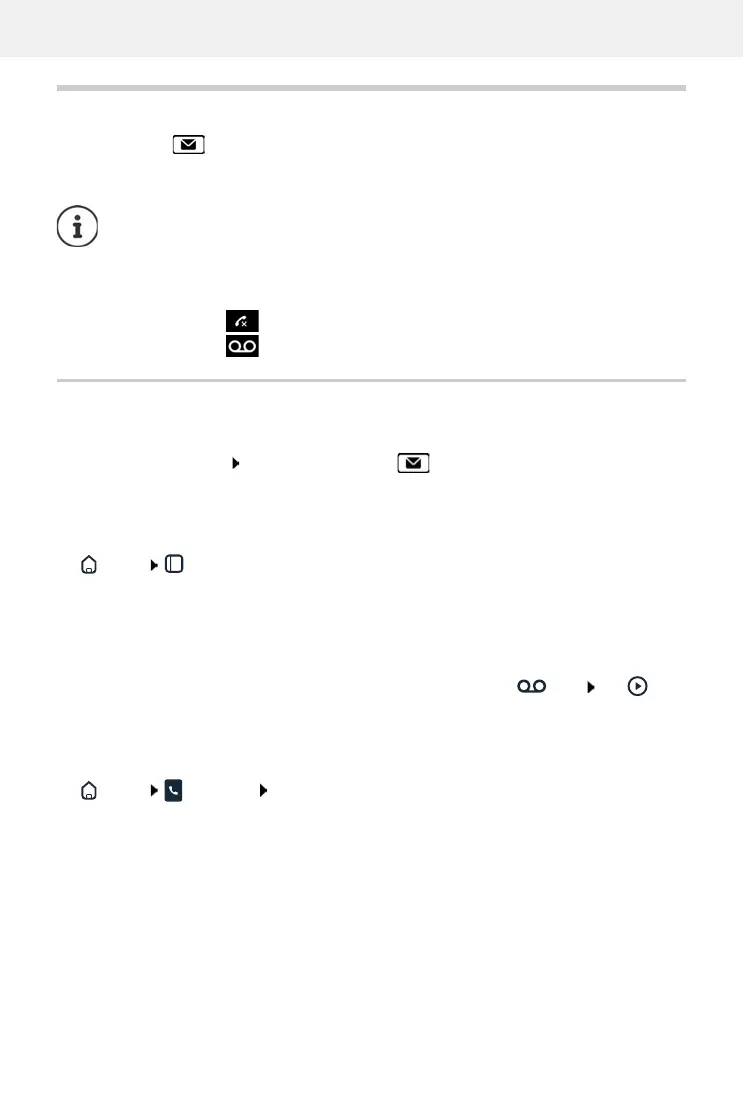
The Message key on the handset flashes if there are new messages. A new message is
considered a missed call if it has been received since the Missed list was last opened; a voice mail
is considered new if it has not been listened to.
Icons on the display show the receipt of new messages.
Displaying messages
On the handset
The message key flashes.: Press the message key
On the web interface
On the overview screen, the number of new missed calls and new voice messages are shown in
orange under Status list.
Home Overview
Open message lists via menu
Home Messages Call list / Voicemail
The message key can only be assigned to one answering machine. The assignment is
carried out in the web interface in the device settings.
New missed calls: + number
New voice messages: + number
Missed calls:
under Status list click New missed calls . . . the list Missed
is displayed
New voice messages:
under Status list click New voicemails ... the list Voice-
mails is displayed
Listen to a voice message:
move the mouse pointer over the icon tap . . .
the message is played via the PC loudspeaker or mobile
device



 To Next Page